


In today’s digital landscape, there are many online store builders available. Even if you choose an ecommerce website builder, it is only the first step towards your business journey. What will define your success is the factor of user experience. As the number of online stores is skyrocketing, offering a unique experience to the users can make your eCommerce website stand out. eCommerce UX is a significant factor in driving sales from traffic.
Here is a guide to the essential design strategies and principles that you can use.
Table of Contents
- What Is eCommerce UX?
- Role of Design for eCommerce
- Why eCommerce UX Matters?
- eCommerce User Experience Best Practices
- eCommerce Homepage Best Practices
- How Store.link Improves UX?
- Common UX Mistakes to Avoid
- Conclusion
- FAQs
What Is eCommerce UX?
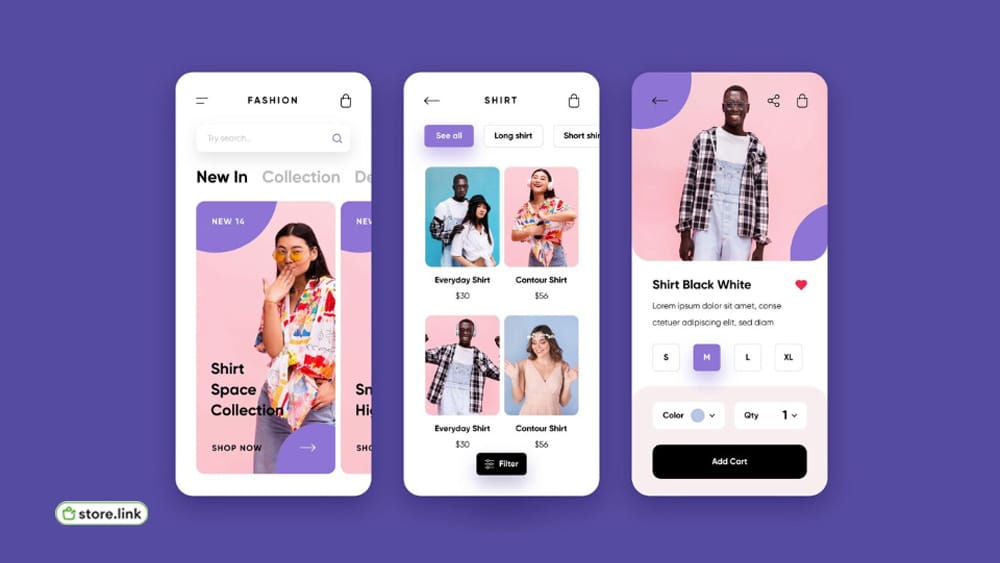
eCommerce UX refers to the overall experience a user gets and their interactions when they visit an online store. It includes everything from the moment they enter your website until they check out.
The user being able to easily find a product and smoothly completing the purchase contributes to the eCommerce UX. Navigation, layout, speed, and mobile responsiveness matter here.
A good UX will make the shopping process simple and natural for the users. At the same time, a poor UX creates friction, which will lead to a loss in sales.
Role of Design for eCommerce
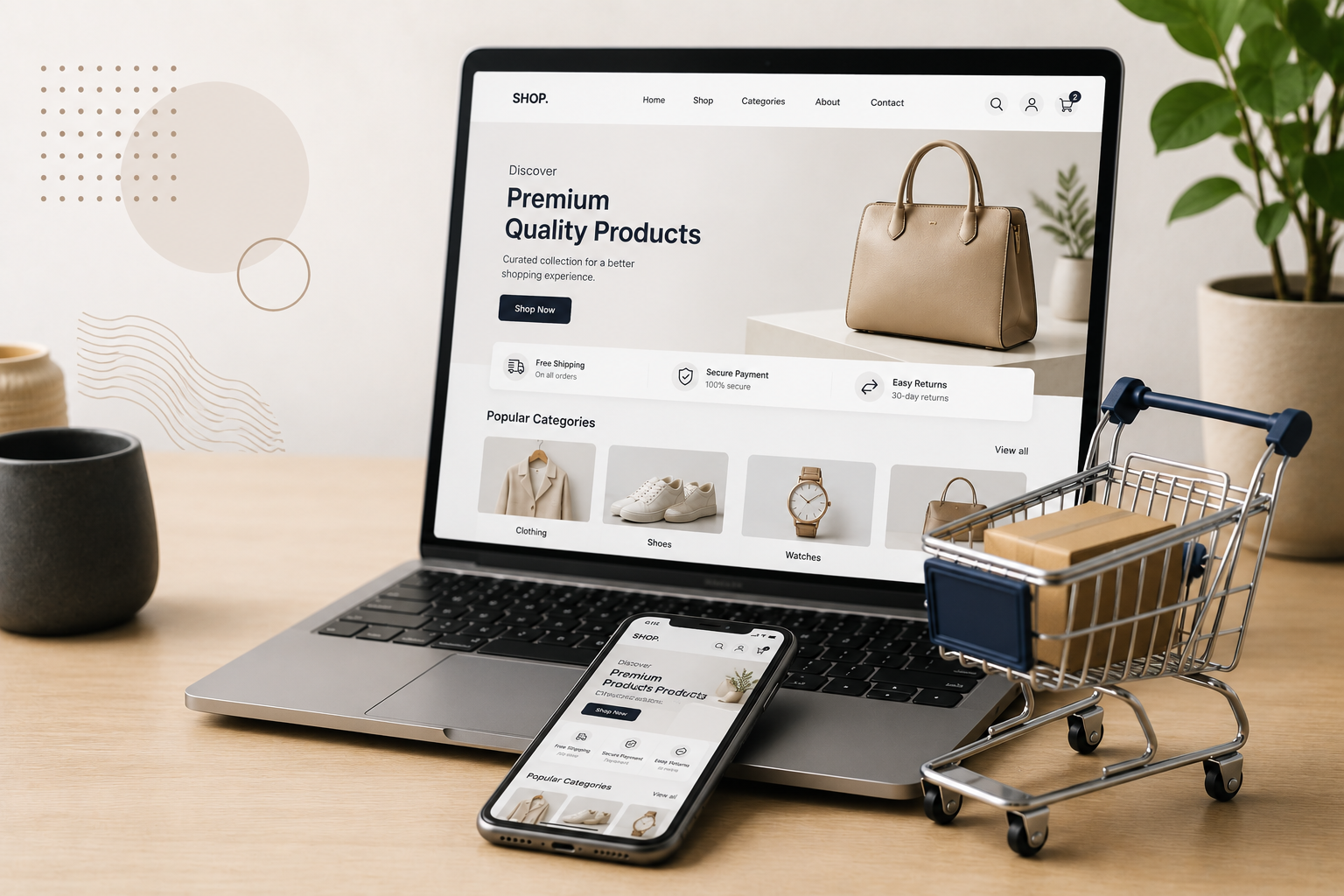
The role of design for an eCommerce store is not just about the visuals you display on your site. The design of the website decides how the user journey is on the website. The website design is the first impression that the user gets. If the design feels outdated, the user might even leave the site.
A clean and structured website is therefore needed to build trust among the users. It will also help them to proceed without any friction.
Key Principles To Follow While Designing eCommerce Website
- Keep the layout simple
- Keep the layout uncluttered
- Maintain consistency in font, color, and style
- Make navigation intuitive
- Highlight product names and purchase buttons
A good design will work silently in the background. It will lead the user to make their decision.
Why eCommerce UX Matters?
eCommerce UX matters more than you think. It directly impacts the business results. When users are able to easily browse and shop, they are more likely to end up purchasing. Also, there are high chances of them returning.
Now, let us see what happens when the eCommerce UX is poor. It leads to frustration among the users. Even slow loading and confusing menus can cause users to close the website tab on their device. Nobody has the patience to wait for a slow-loading site these days.
eCommerce User Experience Best Practices
There are some ecommerce user experience best practices that everyone is doing. Let us see what they are:
Simple Navigation
A user visiting your website should be able to easily find what they are looking for. They should not have to search everywhere to find one product. So, keep the navigation easy and simple.
Fast Loading Website
A fast-loading website is essential to keep the users engaged. If the pages take too long to load, the user may leave your website. You will lose a potential customer who might have ended up purchasing something.
Prioritize Mobile Experience
More than half of the users browse online stores using their mobile phones. Your website should be mobile responsive. It should look clean and function well on small screens, too.
Focus On Product Pages
A clear product page is the key to success. It should provide the user with all the information about the product. There should be clear images, a simple description, and clear pricing available for each product.
Simplify Checkout
The checkout process should be easy and short at the same time. Avoid all unnecessary steps that will make the user think it is taking too much time. Also, provide flexible payment options.
eCommerce Homepage Best Practices
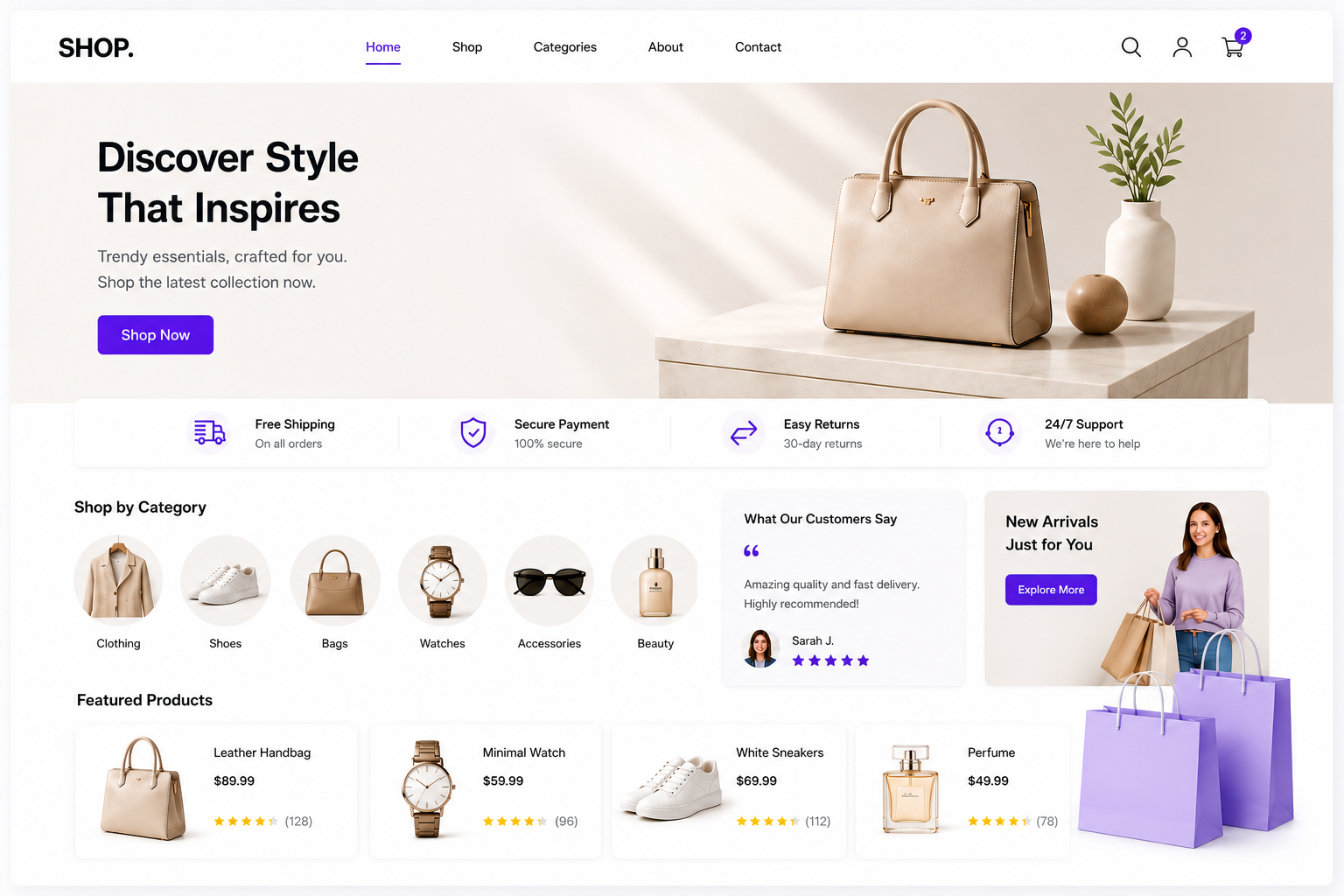
Your eCommerce homepage is what the user will see first. It is their first interaction with your store. The homepage should always immediately communicate what you offer. It should be clear what your online store is about. The user should also get clear guidance on what to move to next.
Let us see what some top practices are to follow while designing your eCommerce homepage:
Clear message
A visitor should be able to understand what your store is about within the first 5 seconds. It should not be confusing for the visitor.
Focused layout
Do not add too many elements to your homepage. A clean layout will help the user to stay focused without getting distracted.
Strong CTA
Call to actions should be visible. Your CTA buttons, such as “Buy Now” or “Explore More,” should always be easy to find.
Highlight key products
Always highlight your key products. Showcase the most popular or featured items to grab customer attention.
Earn trust
Add reviews and testimonials about the products. Users care about such things. It will increase the chances of purchase.
Following these eCommerce homepage best practices ensures that the users stay engaged right from the moment they enter your online store.
How Store.link Improves Your UX?
Building a user-friendly site does not have to be complicated. That is what the Store.link focuses on. It is an online store builder that simplifies the whole process by focusing on efficiency and ease of use alike.
What makes Store.link different is how it is built. It is built on Google Sheets, and each row presents a product. The online store owner can easily manage product updates and handling. Even without any technical knowledge, you can simply manage your online store and drive it to success.
As it is completely free to use and you get all the core features in its free version, a lot more people have started to choose it.
How Store.link helps with eCommerce UX?
Store.link is created with simplicity at its core. This creates a shopping experience that is clean and easy to navigate. You no longer have to worry about complex design decisions as the structure already supports good UX.
- Easy product management
- Minimal and clear layouts
- Quick updates
- Fast loading
- No technical hassle
For anyone using an ecommerce website builder, Store.link offers a practical way to create a smooth and effective user experience.
Common UX Mistakes to Avoid
Even small mistakes can have a negative impact on user experience. Here are the common UX mistakes that most make, and you can avoid:
❌Overloading pages - Too much information & too many elements. It will overwhelm users.
❌Confusing navigation - Do not get too creative with navigation. If the user can not quickly find what they need, they will leave.
❌Complicated checkout - Too many steps and required fields will result in abandoned carts.
❌Slow performance - Speed issues will affect engagement. The user will lose interest.
❌Ignoring mobile users - A poor mobile experience can drive away a major part of your audience.
If you take care of all these, then there are high chances that you eCommerce UX will be top-notch.
Also Read: How To Make An eCommerce Website: A Complete Guide
Conclusion
eCommerce success is no longer defined by offering great products only. It is about delivering a seamless user experience from beginning to end. When your store is easy to navigate, fast to load, and simple to use, it will automatically attract more people. It will increase the chances of users staying longer, exploring more, and finishing purchases.
Platforms like Store.link make sure that UX does not have to be complex. It helps to create clean and structured online stores that will drive sales. Make the right step towards eCommerce success with Store.link!
Also Read:
FAQs
What are the benefits of an e-commerce website?
An e-commerce website lets you sell 24/7 to global customers. It reduces the cost of operation. Plus, it is easy to manage products, orders, and customer data. Online store builders such as Store.link add the benefits of an e-commerce website. In it, you only have to manage a Google Sheet to get things done.
How to improve user experience on an ecommerce website?
Focus on providing a clear navigation, good loading speed, and a mobile-friendly design. The product pages should be simple and informative with a smooth checkout.
What are the best ecommerce UX platforms available?
Shopify, WooCommerce, and Wix are some popular tools that are widely used for making eCommerce platforms. Among that Store.link is a groundbreaking tool that lets you handle your store with only Google Sheets.
What is the single most important rule of eCommerce UX?
Keeping everything simple is the golden rule of eCommerce UX. Navigation should be smooth, and the customer has to easily find what they are looking for. The product description should be simple to understand. The checkout should be flawless.