


Looking for the best free no-code website builders 2026 has to offer? You're in the right place. Building a website used to mean hiring a developer or clicking through a clunky admin panel. Not anymore. Today, a free online store builder can turn a simple spreadsheet into a live store in minutes, and an ecommerce website builder with no coding can handle products, payments, and orders for you.
We tested the top free no-code website builders and ranked the 10 that actually deliver. The short version: if you want a free store that runs on a Google Sheet, Storelink is the one to beat. If you need a full enterprise app stack, expect to pay around $1,500/month for Blaze.
Table of contents
- What is a no-code website builder?
- Benefits of a no-code website builder
- The best free no-code website builders 2026: our 10 picks
- How to build an e-commerce website without coding
- What is the best platform for building a website without coding?
- Are no-code website builders secure enough for regulated industries?
- How do no-code builders differ for small businesses vs. enterprises?
- Where can I find a reliable no-code website builder?
- FAQ
What is a no-code website builder?
A no-code website builder lets you create and publish a site without writing a single line of code. Instead of HTML and CSS, you work with visual tools, drag-and-drop blocks, templates, or even a spreadsheet.
Storelink takes this one step further. It's an online store builder where one row = one product. You add your products to Google Sheets, and the store builds itself. It's that simple.
Benefits of a no-code website builder
Why go no-code at all? Here's what you actually gain:
- Speed. Launch in minutes, not weeks. No waiting on a developer.
- Cost. No developer fees. Many builders, including Storelink, are genuinely free.
- Control. Update products, prices, and stock yourself, whenever you want.
- Zero commission. Storelink charges 0% on sales, where Shopify and Etsy take 2–5%.
- No maintenance. The platform handles hosting, security, and updates for you.
The best free no-code website builders 2026: our 10 picks
Here's the full ranking, from best overall to best-for-one-niche.
1. Storelink - best free no-code website builder for selling
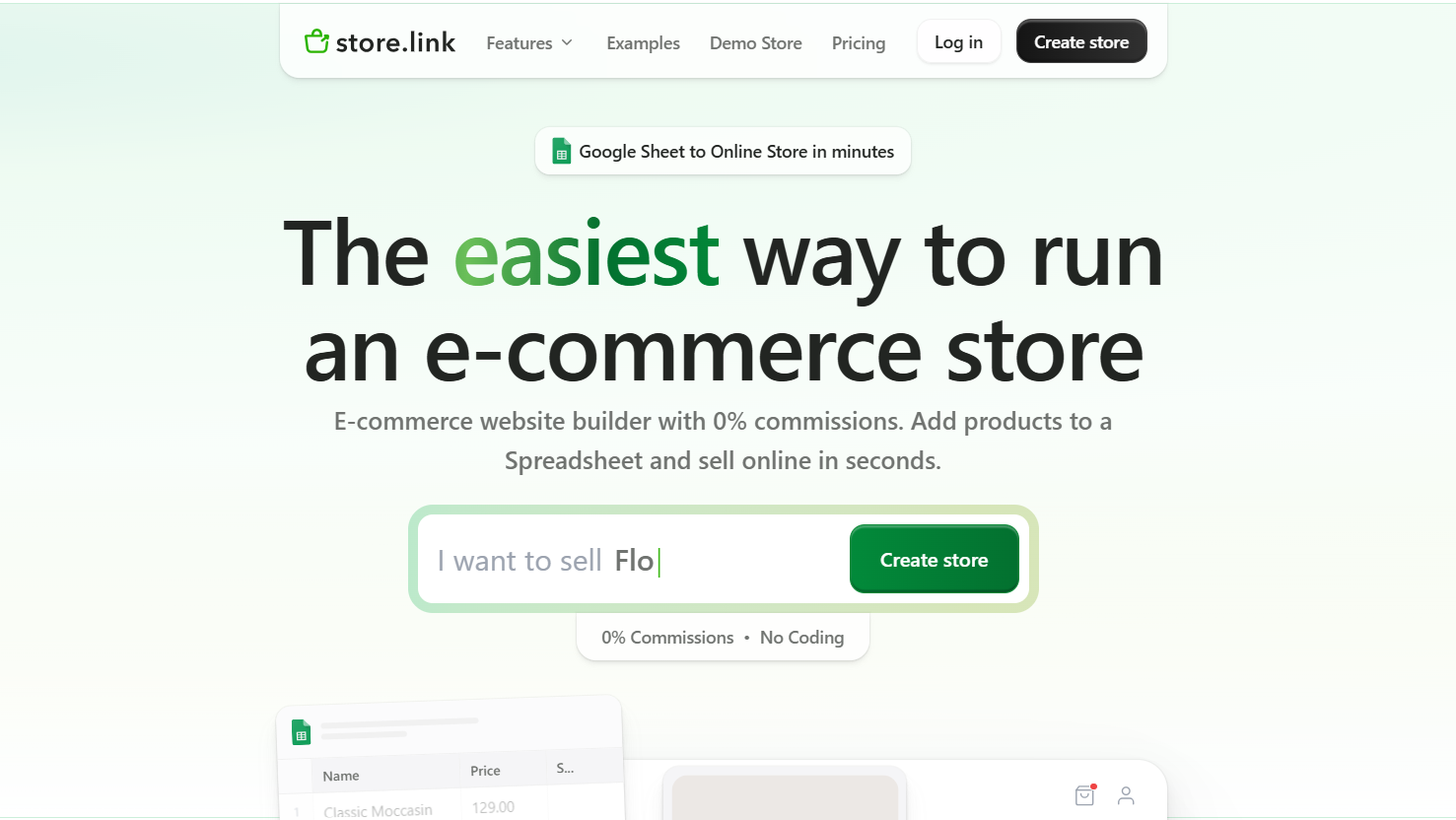
Storelink is a free ecommerce website builder built on top of Google Sheets. You describe what you sell, and AI creates your store in seconds. Then every row you add to your sheet becomes a product.
The standout part: it's genuinely free with 0% commission on sales. No transaction cut, no monthly fee to start. You get PayPal, Stripe, and Razorpay payments, shipping, order management, discount coupons, and a brandable store URL all without code.
- Best for: anyone who sells online and already lives in spreadsheets.
- Use case: turning a product spreadsheet into a live store with payments, shipping, and orders in one sitting.
- Drawback: it's built for stores, not complex web apps.
- Price: free to start; trusted by 10,000+ stores.
2. Wix - best for a flexible drag-and-drop site
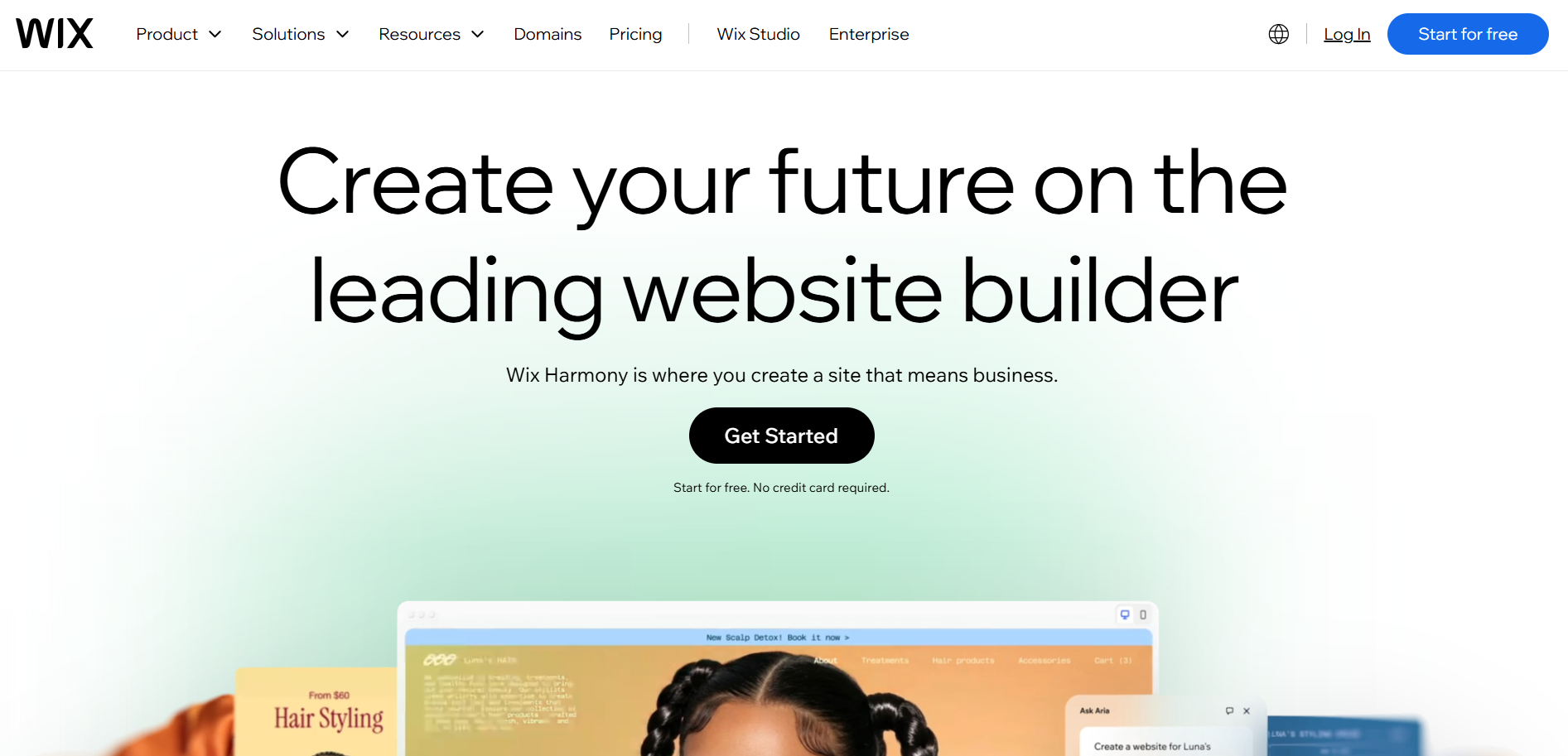
Wix gives you full visual control with an unrestricted drag-and-drop editor. Its app marketplace covers payments, bookings, and email marketing. It's the go-to for small businesses and creatives who want design freedom without code.
- Best for: small business sites and portfolios.
- Use case: a restaurant, salon, or freelancer portfolio that needs a custom look without hiring a designer.
- Drawback: the free plan shows Wix branding and ads.
- Price: free plan available; paid plans unlock a custom domain and e-commerce.
3. WordPress.com - best for blogging and content
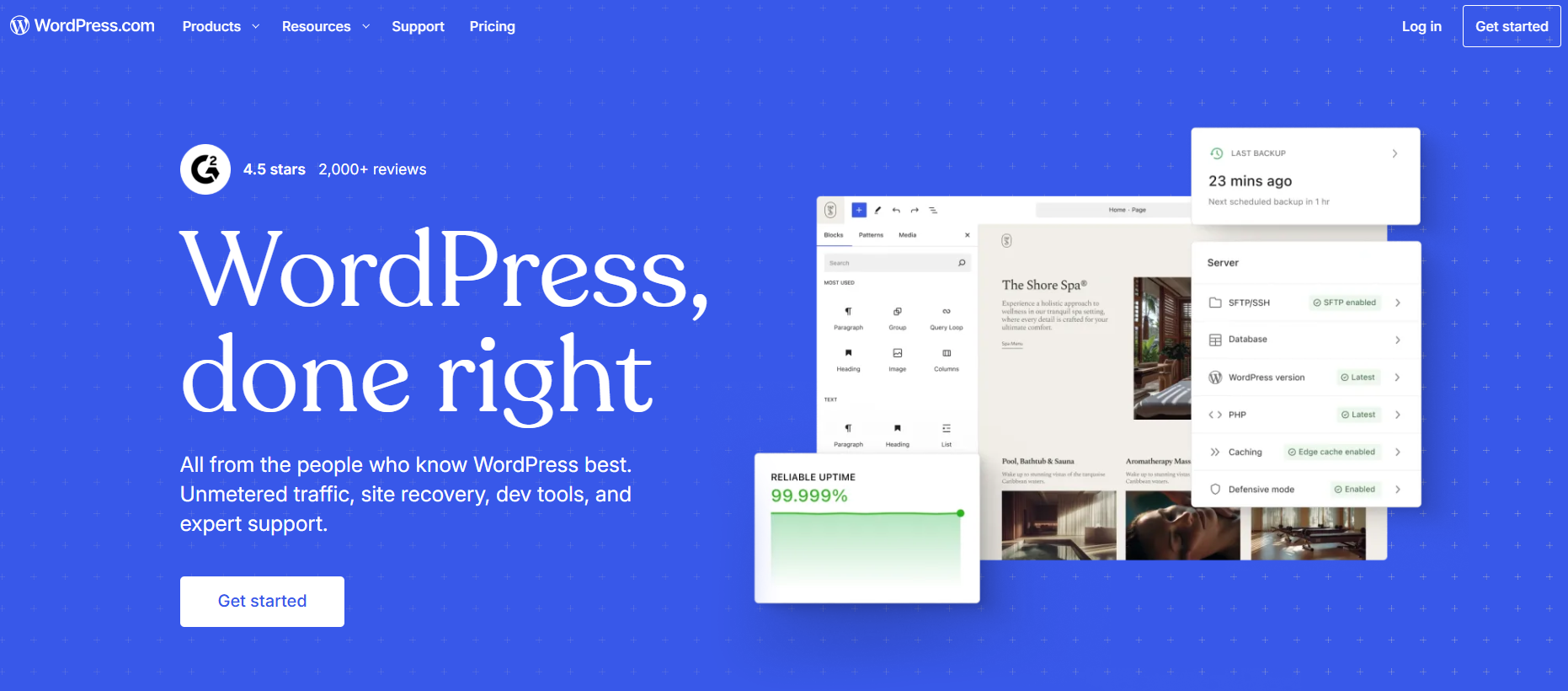
WordPress.com hosts your site and removes the technical setup that self-hosted WordPress demands. You get a huge theme library and plugins for SEO and e-commerce.
- Best for: blogs and content-heavy sites.
- Use case: a blog or news site that plans to publish often and grow into SEO traffic.
- Drawback: e-commerce and plugins sit behind paid plans.
- Price: free plan available; paid plans add storage and plugins.
4. Bubble - best for building web apps without code
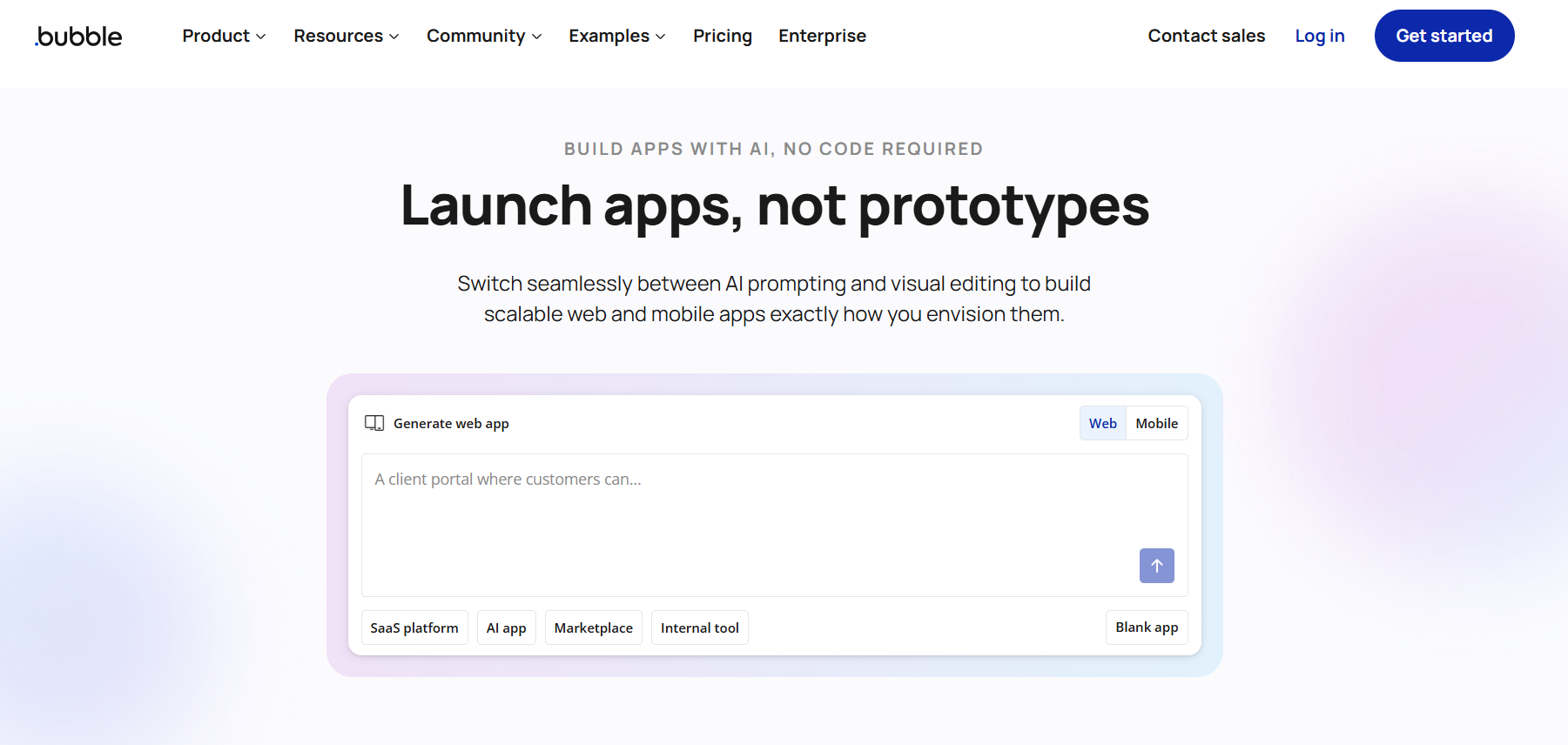
Bubble is a no-code app builder with visual workflows, a database, and API integrations. It's powerful enough for marketplaces and internal tools, but it comes with a learning curve.
- Best for: custom web apps and marketplaces.
- Use case: a booking system, internal tool, or marketplace with user logins and workflows.
- Drawback: steep learning curve; overkill for a simple site.
- Price: free plan for development; paid plans to go live at scale.
5. Webflow - best for designer-grade sites
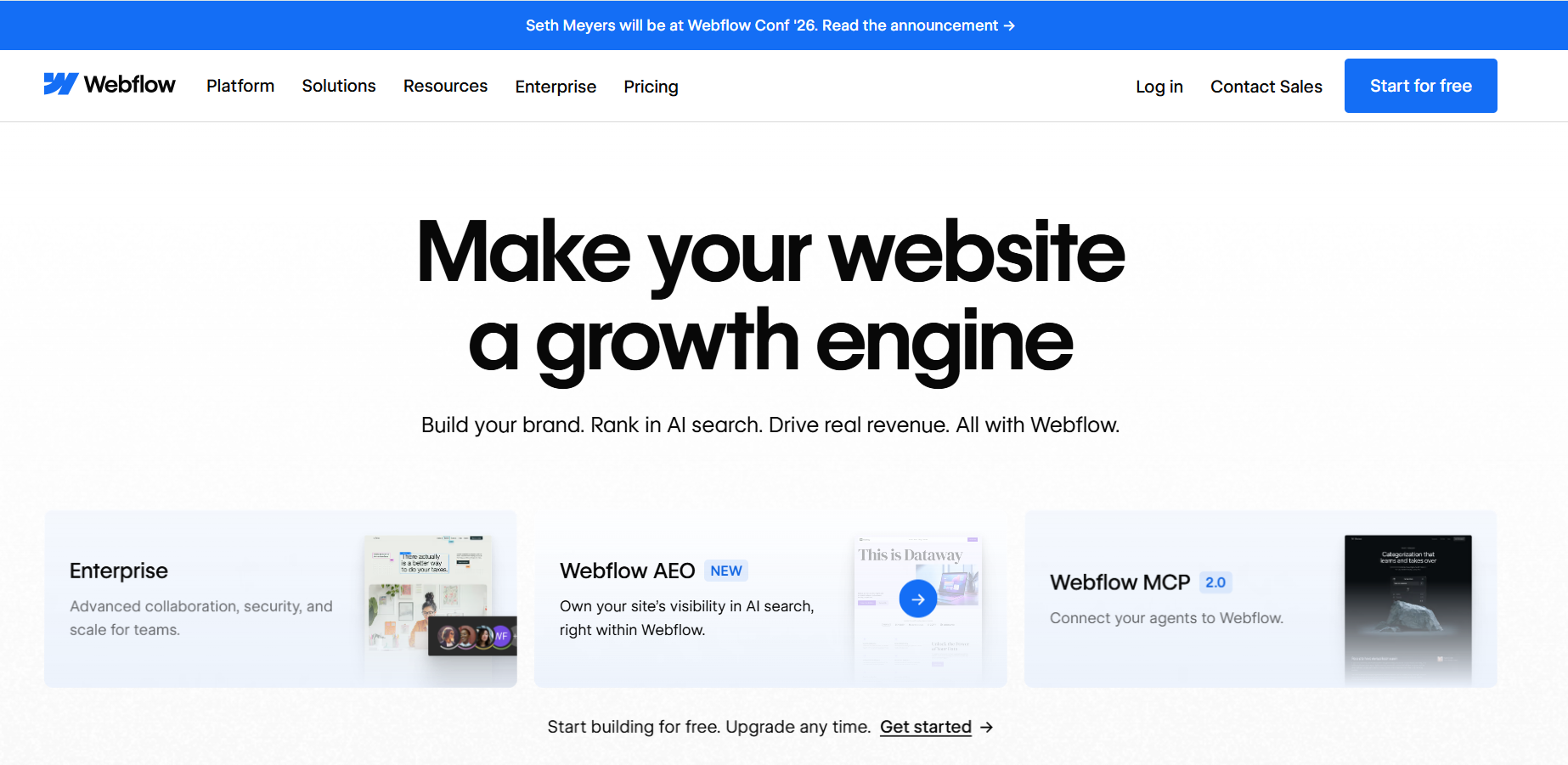
Webflow gives you pixel-level control and clean, production-grade code output. It's a favorite of designers who want a handcrafted look without hand-coding.
- Best for: marketing sites and portfolios with a custom design.
- Use case: a design-led agency or startup that needs pixel-perfect pages and clean code.
- Drawback: the editor is harder to learn than drag-and-drop tools.
- Price: free plan for simple sites; paid plans add CMS and hosting.
6. Squarespace - best for polished templates
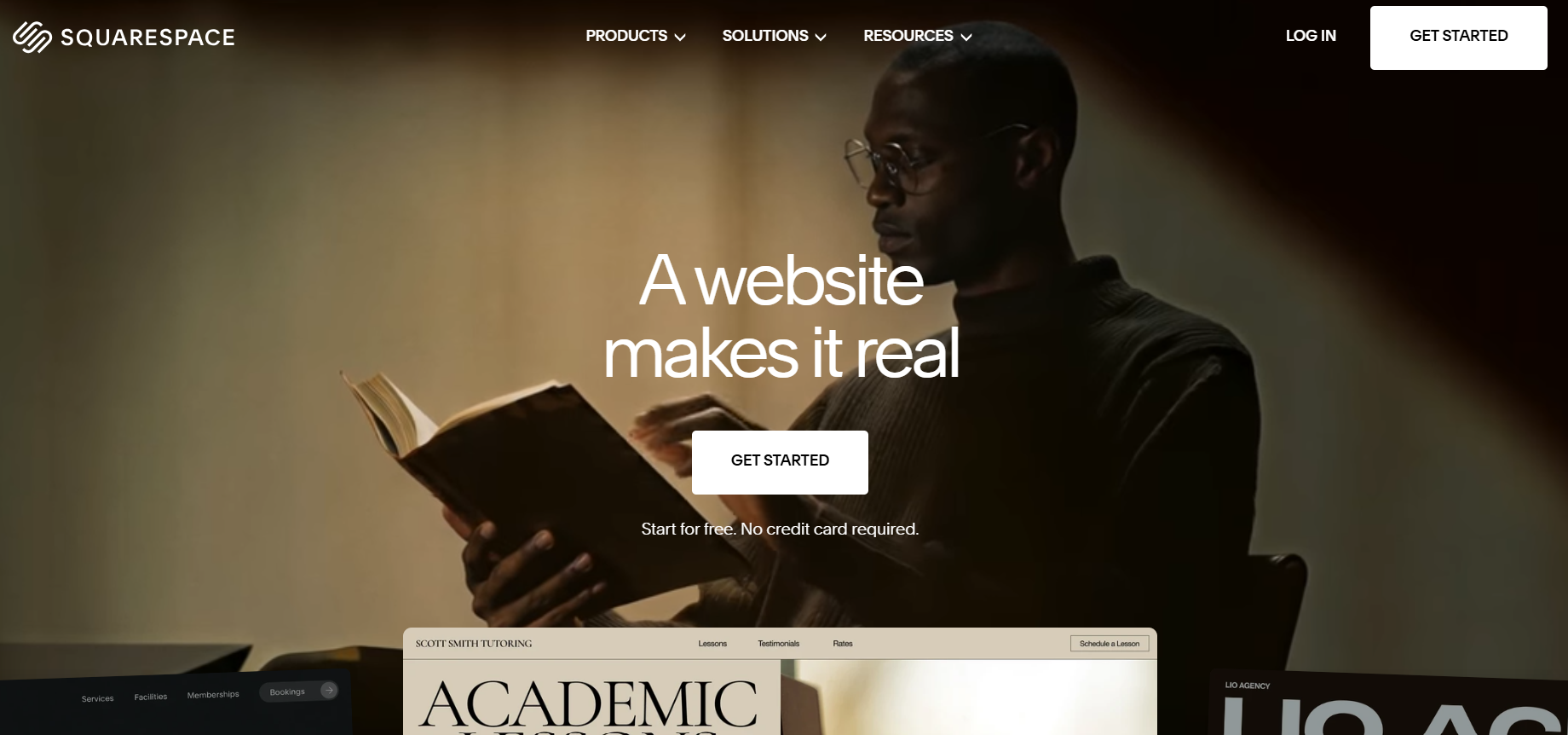
Squarespace ships beautiful, cohesive templates and built-in tools for stores, scheduling, and memberships. It's simple, but less flexible than Wix or Webflow.
- Best for: photographers, restaurants, and service businesses.
- Use case: a photographer, café, or local service that wants a polished site with scheduling or booking built in.
- Drawback: templates can feel rigid once you want to customize deeply.
- Price: no free tier; a free trial and then paid plans.
7. Framer - best for high-fidelity marketing pages
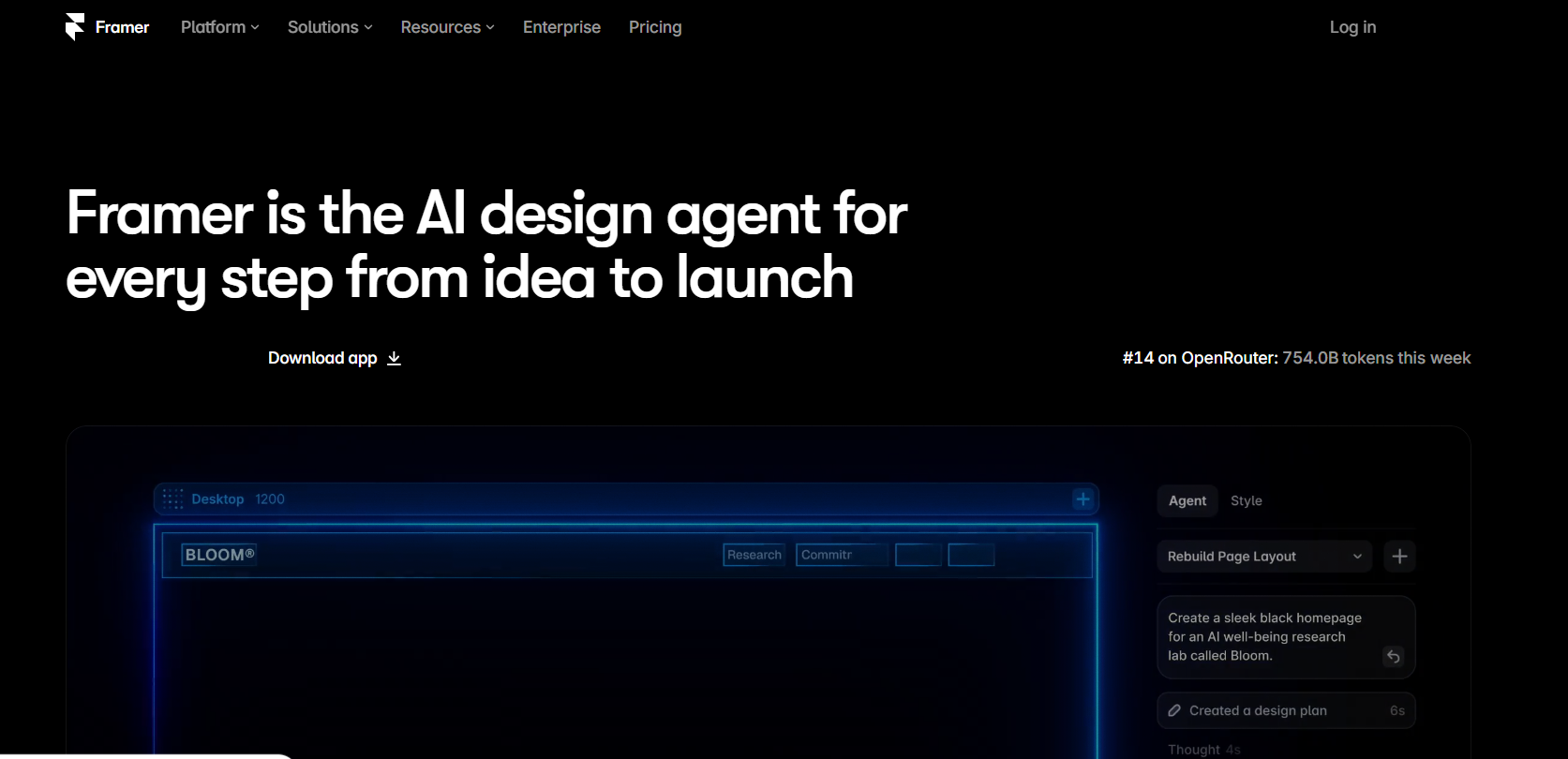
Framer blends design-tool freedom with website publishing. You design in a canvas and publish directly, which makes it popular with product teams and startups.
- Best for: landing pages and product marketing sites.
- Use case: a startup shipping a high-fidelity landing page for a product launch.
- Drawback: publishing to a custom domain requires a paid plan.
- Price: free plan for hobby sites; paid plans add a custom domain.
8. Carrd - best for simple one-page sites
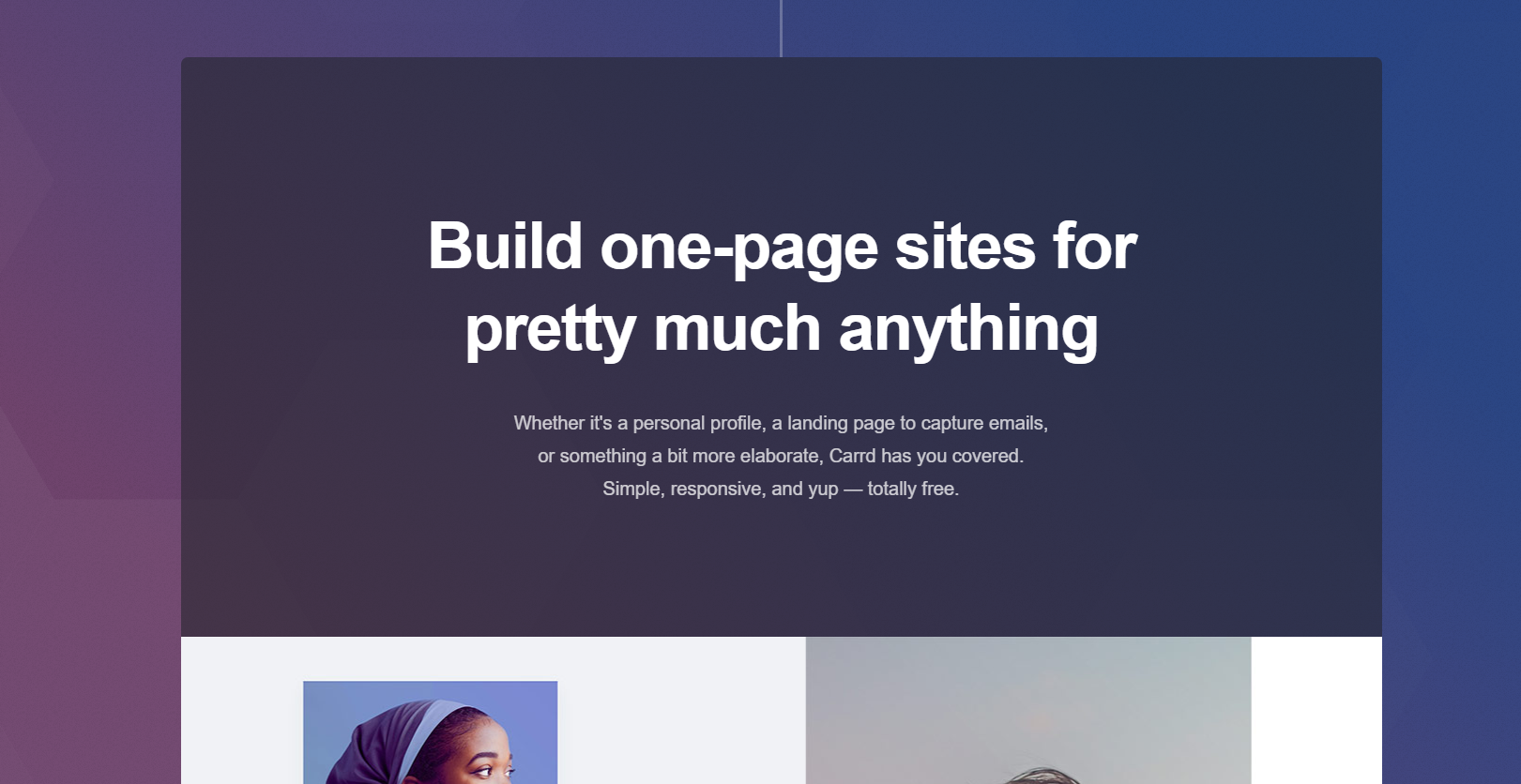
Carrd builds clean, responsive one-page sites for a few dollars. It's the fastest way to ship a landing page, profile, or link-in-bio.
- Best for: single-page sites and personal profiles.
- Use case: a link-in-bio, personal profile, or event page that needs to go live today.
- Drawback: one page only; no full multi-page stores.
- Price: free plan; paid plans from a few dollars a year.
9. Durable - best for getting a business online in minutes
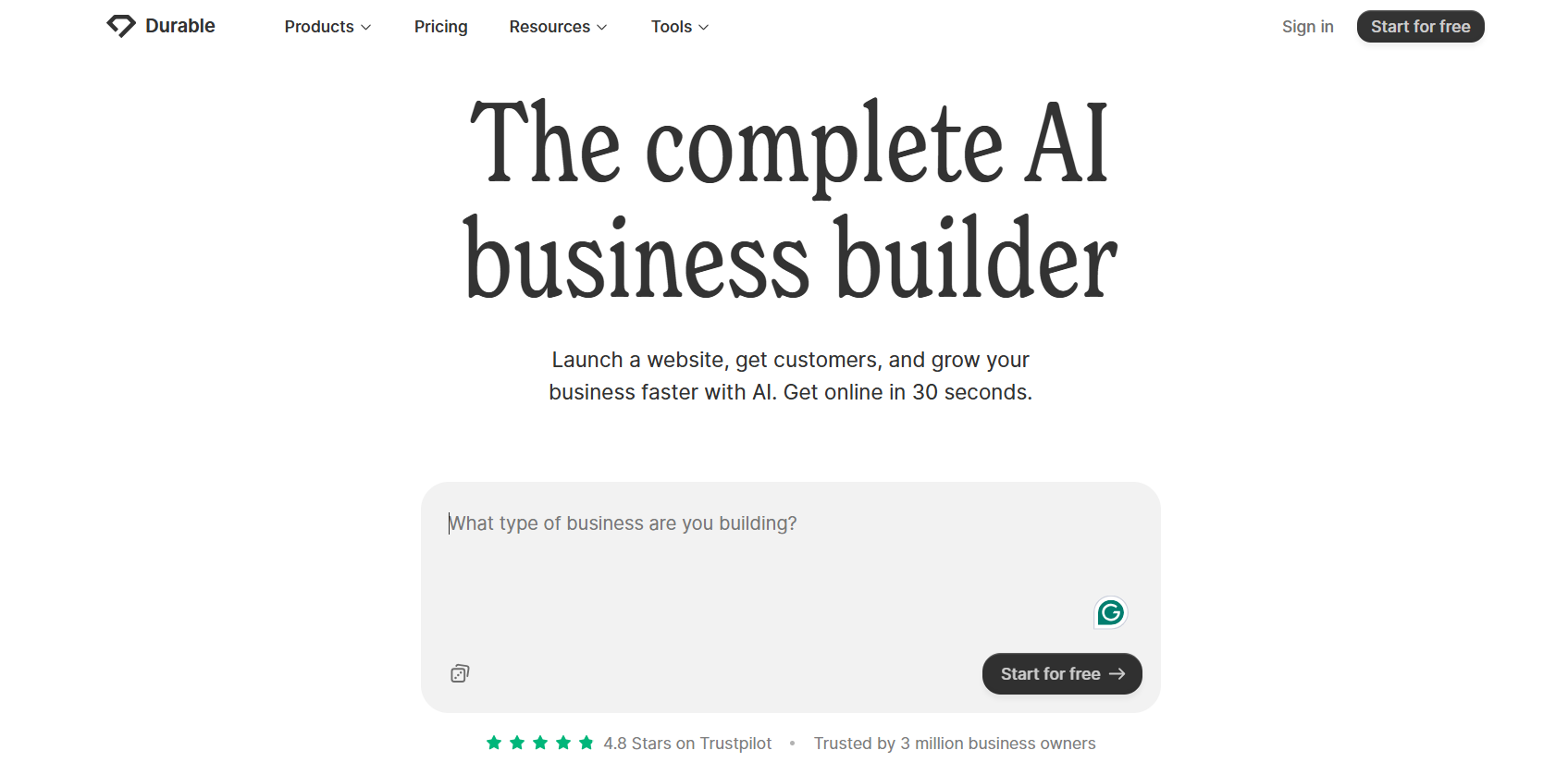
Durable generates a full small-business website from AI in about 30 seconds. It bundles hosting, a custom domain, and simple editing in one place.
- Best for: local service businesses that need a site today.
- Use case: a plumber, electrician, or consultant who wants AI to draft a whole site in about 30 seconds.
- Drawback: less design control than Wix or Webflow.
- Price: free trial; then a paid subscription.
10. Hostinger Horizons - best for an AI-assisted site on a budget
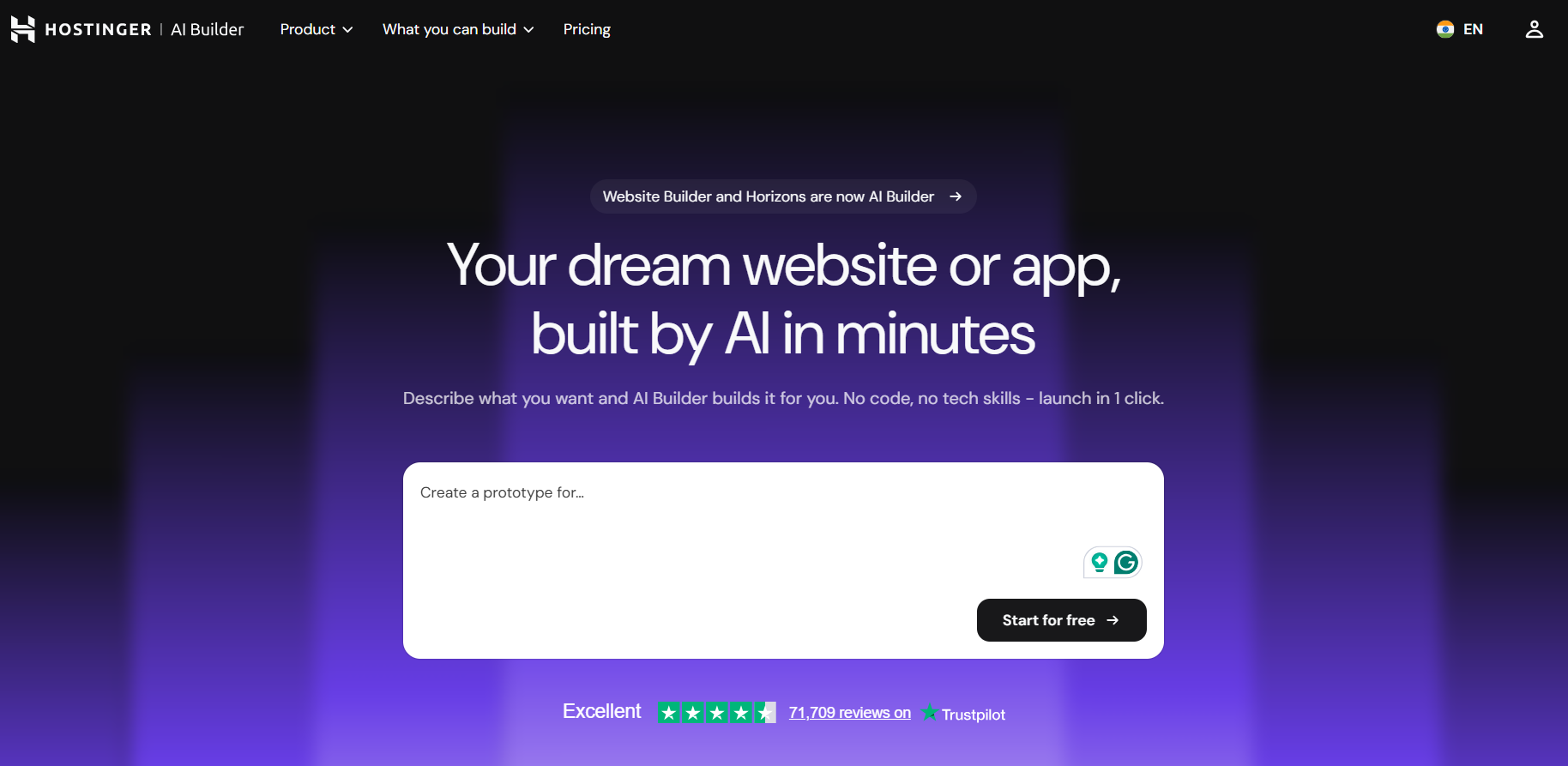
Hostinger AI Website Builder can draft a site from a simple prompt, and Hostinger's cheap hosting keeps costs low as you grow.
- Best for: beginners who want AI help plus affordable hosting.
- Use case: a first-time site owner who wants a prompt-generated site with cheap, reliable hosting as it grows.
- Drawback: fewer advanced e-commerce features than a dedicated store builder.
- Price: free trial; then low-cost paid plans.
Comparison table: the 10 builders at a glance
How to build an e-commerce website without coding
Straight answer: use a no-code store builder. Here's the shortest path with Storelink:
- Tell AI what you sell. Type a description, "handmade jewelry," for example, and your store is generated in seconds.
- Add products to Google Sheets. Each row becomes a product. Edit the sheet to update stock and prices instantly.
- Connect payments and shipping. Add PayPal, Stripe, or Razorpay, and set delivery options in a couple of clicks.
- Share your store. Publish your brandable URL and start selling with 0% commission.
No templates to browse. No code. Just type and go. Try it with the Storelink demo store to see how it works before you build.
What is the best platform for building a website without coding?
It depends on what you're building. For a store, Storelink is the best no-code website builder; it's free, runs on Google Sheets, and takes 0% commission. For a flexible marketing site, Wix. For a custom web app, Bubble. For a designer-grade site, Webflow.
If your goal is selling products (not just showcasing them), an online store builder beats a general website builder every time, because it handles payments, shipping, and orders natively.
Are no-code website builders secure enough for regulated industries?
Most consumer no-code builders are built for marketing sites and small stores, not for HIPAA or SOC 2 workloads. If you're in a regulated industry, you need role-based permissions, encryption, and audit logs features you'll find in enterprise platforms like Blaze rather than free consumer tools.
That said, Storelink is a sensible choice for regulated businesses that sell physical products, because you're not building a patient portal or handling regulated data inside the site. For internal apps that touch sensitive data, choose a platform that documents SOC 2 and HIPAA support instead.
How do no-code builders differ for small businesses vs. enterprises?
Small businesses need speed and low cost: a free plan, a store live in minutes, and no developer. That's exactly what Storelink, Carrd, and Durable optimize for.
Enterprises need scale, security, and integration: role-based access, audit logs, SSO, and connections to systems like Salesforce or SAP. That's Blaze's territory, starting around $1,500/month, according to their own pricing.
The mistake is picking an enterprise tool for a small store (you pay for features you'll never use) or a simple builder for a regulated internal app (you give up the compliance you need).
Where can I find a reliable no-code website builder?
Start with independent, hands-on testing rather than marketing pages. Reviewers who actually build with the tools are the most reliable signal. Cybernews tested 35+ website builders, building 300 sites over 750+ hours. Blaze's team tested 30 no-code builders for their roundup.
For a store specifically, look for three things: a truly free plan (not just a trial), no per-sale commission, and a backend you already know. Storelink checks all three: free, 0% commission, and Google Sheets as the control panel.
The bottom line
The best free no-code website builders 2026 aren't hard to find once you know what you need. If you're selling, pick a tool that's actually free and doesn't skim your sales. Storelink is free, built on Google Sheets, and takes 0% commission one row, one product, live in minutes. Try the demo store, browse real examples, or check the pricing to confirm it's genuinely free. It's that easy.
FAQ
Are No-Code Platforms Safe for Businesses in Regulated Industries?
Not the consumer ones, no. Regulated industries (healthcare, finance) need encryption, audit logs, and role-based access features found in enterprise platforms like Blaze, not free store builders. For selling physical products, a free builder like Storelink is fine, because you aren't processing regulated data through the site.
How Do No-Code Website Builders Differ for Small Businesses vs. Enterprises?
Small businesses want free, fast, and simple Storelink, Carrd, or Durable. Enterprises want security, scale, and integrations Blaze or Bubble. Match the tool to the job: don't pay $1,500/month for a simple store, and don't run a regulated internal app on a consumer builder.
How to build an e-commerce website without coding?
Use a no-code store builder. Describe your products to Storelink's AI, add products to Google Sheets, connect PayPal or Stripe, and publish. It takes minutes, not weeks, and there's no code involved.
What is the best platform for building a website without coding?
For selling, Storelink is the best no-code website builder free, Google Sheets-based, 0% commission. For a general website, Wix. For a custom web app, Bubble. For design control, Webflow.