


Good On-Page SEO for ecommerce is what makes your products show up when customers search for them. Whether you built your shop on an online store builder or any ecommerce website builder, the words on your pages, your titles, your images, and your page speed all decide whether Google sends shoppers your way. This guide answers the most common questions in plain language: answer first, detail right after, so you can improve your store without needing to be an SEO expert.
Table of contents
- What is on-page SEO for ecommerce?
- Why is on-page SEO different for eCommerce websites?
- Online store best practices for on-page SEO
- Why is SEO important for e-commerce startup brands?
- Which on-page SEO tool should I use for my ecommerce website?
- What are common on-page SEO mistakes?
- How Storelink makes on-page SEO easier
- Conclusion
- Frequently asked questions
What is On-Page SEO for ecommerce?
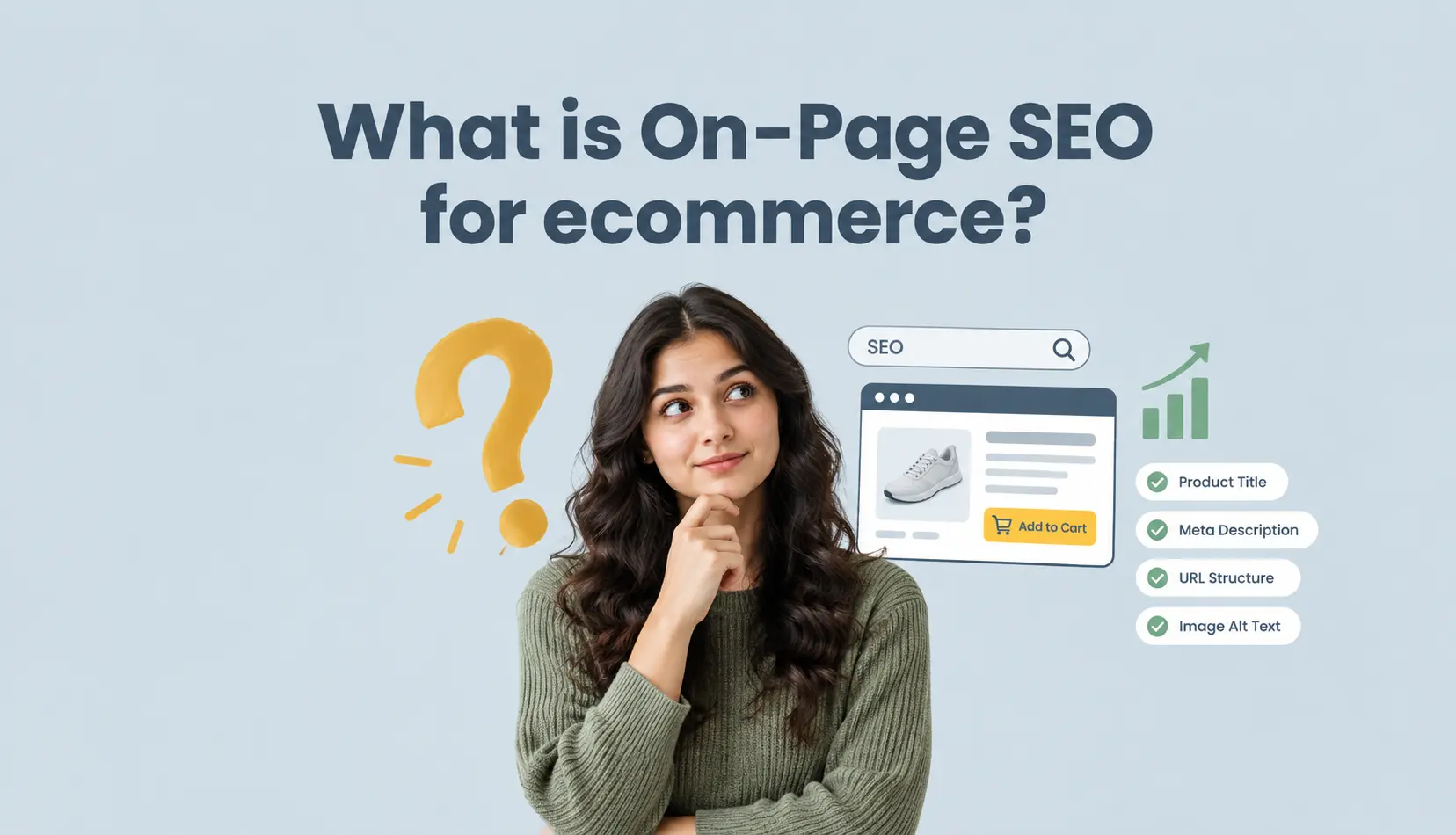
On-page SEO for ecommerce is everything you do on the page itself to help search engines understand what you sell and who should see it. It covers your page titles, meta descriptions, headings, product descriptions, image alt text, URLs, and internal links, plus how fast the page loads and how well it works on a phone.
Put simply, On-Page SEO tells Google "this page is about a blue linen t-shirt, and it is a good answer for someone searching for one." The goal is to rank your product and category pages for the exact searches your buyers already type, then turn those visits into sales.
Why it matters: According to BrightEdge, organic search drives about 53% of all trackable website traffic, and 68% of online experiences begin with a search engine. If your On-Page SEO is weak, you are invisible in the one place most buyers start.
Why is On-Page SEO different for eCommerce websites?
A blog makes money from ads, so it wants as many eyeballs as possible. An online store only makes money when a visitor actually buys. That one difference changes everything about how you optimize.
For an ecommerce site, the pages that matter most are product pages and category pages, not just articles. Each product page must target a specific buying search (for example, "blue linen t-shirt" rather than just "clothing"), and each category page must target a broader shopping search. Because stores often have hundreds of pages, you also need a system, templates, and rules so you do not hand-write every title from scratch.
There is also more competition. Many stores sell the same product, so Google has to pick a winner. Strong On-Page SEO helps your product page outrank near-identical competitor pages and earn the click.
Online store best practices for On-Page SEO
Here are the online store best practices for On-Page SEO that move the needle most. Apply them to every page you can.
Write a unique title tag for every page
The title tag is the blue clickable headline in search results. Make it specific and put your main keyword near the start. Instead of "Product page," write "Blue Linen T-Shirt – Relaxed Fit | Your Store Name." Keep it under roughly 60 characters so it does not get cut off.
Write a meta description that earns the click
The meta description is the two lines of text under the title. It does not directly change rankings, but it heavily affects whether people click. Describe the product and include a reason to buy, size, material, price, or shipping. Keep it natural and under about 155 characters.
Use clean, keyword-rich URLs
Short, readable URLs help both Google and shoppers. "yourstore.com/blue-linen-tshirt" is better than "yourstore.com/p?id=4821." Keep URLs short, lowercase, and descriptive.
Optimize every product page
- Put the product name and main keyword in the H1 heading.
- Write an original description. Never copy the manufacturer's blurb; duplicate content gets ignored.
- Add details buyers need: size, material, care, delivery time, and return policy.
- Include customer reviews when you can; they add fresh, unique content.
Optimize your category pages
Shoppers often land on a category page before a product page, so make them work hard. Give each category its own title, its own H1, and a short intro paragraph that describes what is on the shelf. If a visitor does not like your category page, they will never open a product page.
Add alt text to every image
Google cannot "see" a photo, so it reads the alt text instead. Describe the image in a short, natural sentence and include the keyword where it fits, for example, "blue linen t-shirt front view." Alt text also makes your store accessible to shoppers using screen readers.
Use internal links to guide shoppers
Link from your blog to your product and category pages, and link related products to each other. Internal links help Google discover your pages and pass relevance between them, and they keep shoppers moving toward a purchase.
Make pages fast and mobile-friendly
Google ranks on mobile-first, and speed directly affects whether people stay. Google's research shows that as a page load time goes from one second to three seconds, the chance of a bounce rises by 32%. Test your pages with PageSpeed Insights and compress your images; large photos are the most common speed problem on store sites.
Add structured data where you can
Structured data (schema) is code that labels your content for search engines: the product name, price, availability, and reviews. It is how a product page can earn a "rich result" in search with the price and star rating shown. Google's SEO starter guide is the best free primer on getting these basics right.
Write supporting content
A blog gives your store more chances to rank for questions your buyers ask, "how to care for linen" or "what size should I order." Each post can link back to the product it supports. That is exactly what this article is doing for Storelink.
Why is SEO important for e-commerce startup brands?
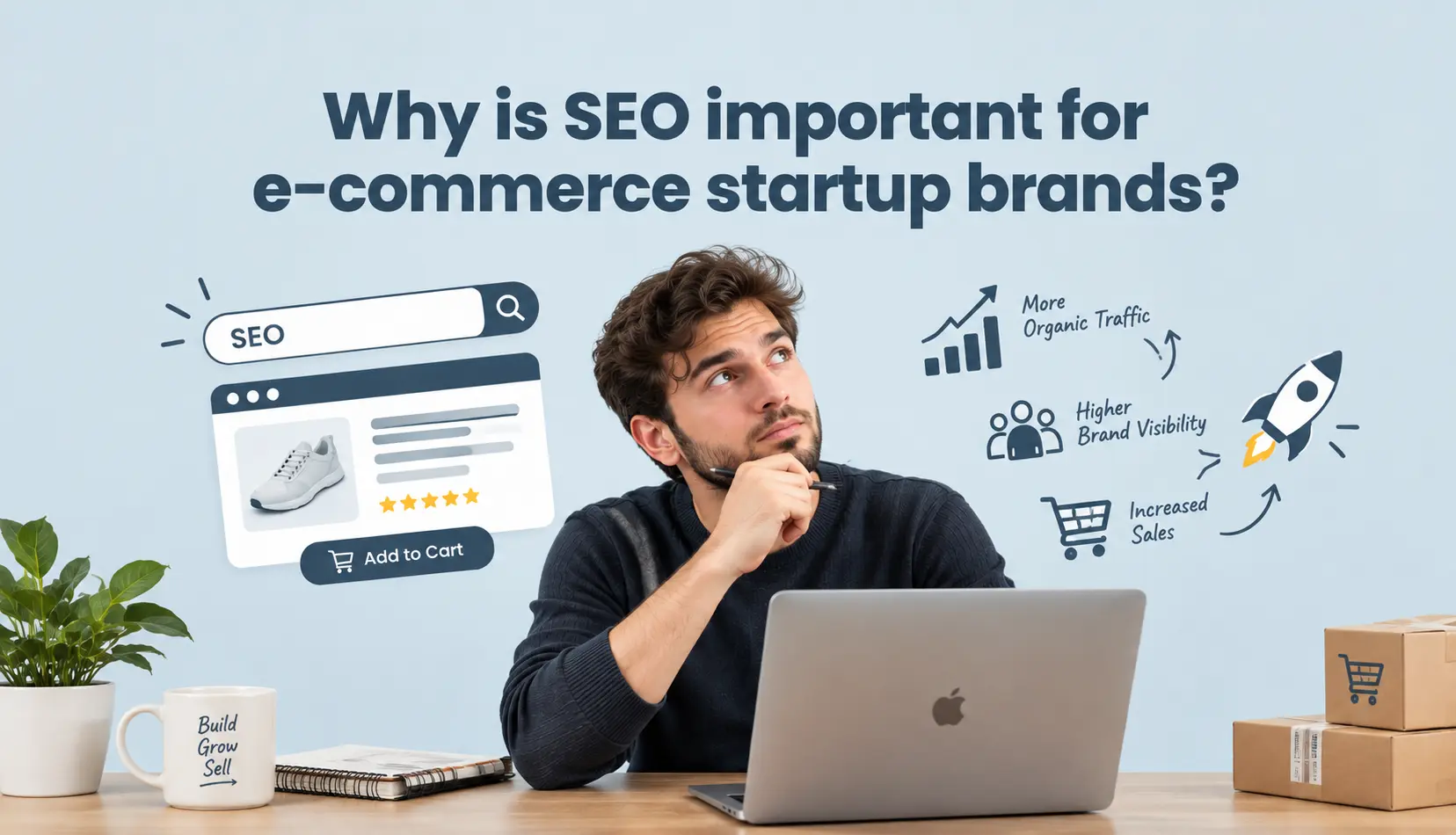
SEO matters most to a new brand because it is the cheapest long-term channel you have. A startup cannot outspend an established brand on ads forever, but a well-optimized product page can rank for free and keep sending buyers for months. Here are the reasons that matter most for a new store:
It lowers the cost of every customer. Paid ads stop the moment you stop paying, but organic traffic keeps arriving after the work is done. For a startup watching every rupee, a page that ranks is a customer-acquisition channel with no daily spend, and the more you optimize, the lower your cost per sale becomes over time.
It captures buyers at the moment of intent. Someone searching "blue linen t-shirt" already wants to buy. SEO puts your product page in front of that person at the exact moment they are ready, which is far more powerful than interrupting them with an ad while they read something else.
It builds trust and legitimacy. Showing up in the organic results, not just the paid ads column, tells a shopper your brand is real and established. A new store needs that credibility, and it cannot be bought; it has to be earned page by page.
It lets a small brand outmaneuver big ones. Huge retailers dominate broad searches like "t-shirts," but they are slow to cover specific, long-tail searches like "linen t-shirt for humid weather." A startup that optimizes those specific pages wins the buyers the giants overlook.
It is where the clicks go. The first result in Google captures about 27.6% of all clicks, according to Backlinko's analysis of millions of search results, and most users never scroll past page one. If your startup is not on page one, most shoppers never learn you exist.
It compounds. Every optimized page is a small asset that keeps working while you sleep. For a startup, that compounding is the difference between buying every single visitor and earning them, and the earlier you start, the more those assets are worth later.
Which On-Page SEO tool should I use for my ecommerce website?
You do not need a paid suite to start. Here is a simple, free toolkit:
- Google Search Console, the essential free tool. It shows which searches bring you clicks, which pages are indexed, and any errors Google found.
- PageSpeed Insights measures how fast your pages load on mobile and desktop, with specific fixes.
- Ahrefs' free tools or Google Keyword Planner to find the keywords your buyers actually type.
- Your store builder's built-in SEO fields- this is the one that matters most day-to-day.
That last point is key. Whichever ecommerce website builder you use should let you edit the title, meta description, URL, and alt text on every page without touching code. If your builder hides these fields or makes them hard to reach, on-page SEO becomes a chore you will skip.
What are common On-Page SEO mistakes?
Copying the manufacturer's product description. Google ignores duplicate content, so your page competes with nothing original to say.
Stuffing keywords into every sentence. Writing "cheap blue linen t-shirt buy blue linen t-shirt" reads terribly and can look like spam. Write for the shopper, not the algorithm.
Skipping the title tag and meta description. Every page that ships with a default or empty title is a page throwing away a free ranking and click.
Missing or keyword-stuffed alt text. Empty alt text wastes a ranking signal; jamming keywords into it hurts accessibility and trust.
Slow, bloated images. Huge photos are the fastest way to lose shoppers before the page even finishes loading.
No internal links. A store where products do not link to related products and the blog never links to the shop is leaving both rankings and sales on the table.
Publishing thin pages. A category page with zero text and a product page with one line of text give Google nothing to rank.
How Storelink makes On-Page SEO easier
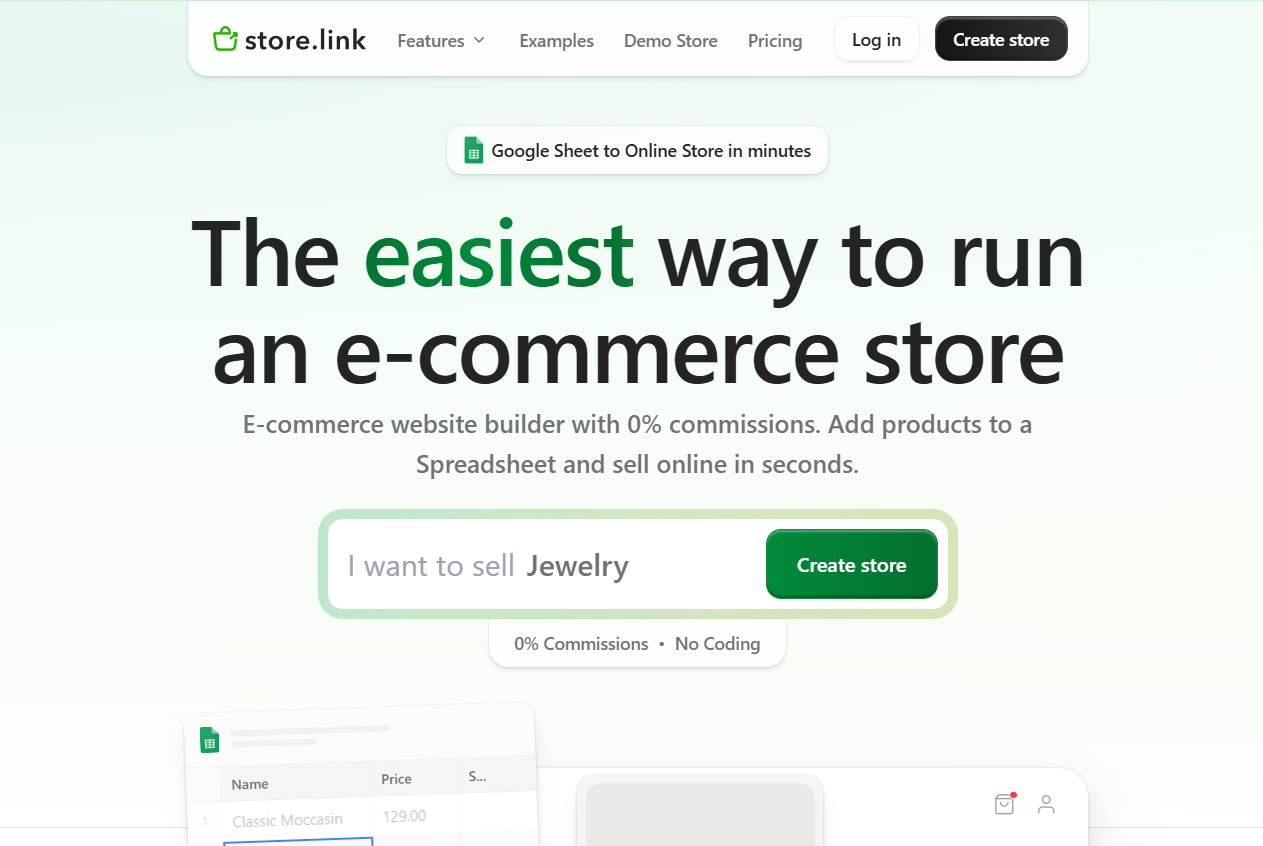
Storelink is a free, no-code online store builder with a twist: your entire store runs on a Google Sheet. One row is one product, and every change you make in the sheet updates your live store automatically. That setup has real On-Page SEO benefits.
Because your catalog lives in a spreadsheet, you can edit titles, descriptions, and details for hundreds of products in one place, no clicking through an admin panel page by page. You get a brandable store URL, a clean dedicated page for each product, and the structure Google likes: fast, mobile-ready pages with real product pages to crawl. And it is 0% commission; the free plan lets you open a store with no transaction fees, so a startup can put its budget into the product, not the platform.
If you are starting out, you can try a demo store or check the pricing to see how far the free plan goes. You can even sell through a WhatsApp store using the same sheet.
Conclusion
On-Page SEO for ecommerce is not a one-time fix; it is a set of small, repeatable habits. Clear titles, honest meta descriptions, clean URLs, useful product copy, image alt text, fast pages, and internal links all tell Google exactly what you sell and turn a searcher into a buyer.
The best time to fix your On-Page SEO is today, because every page you optimize becomes a small asset that keeps earning traffic without ad spend. Start with your product and category pages, fix the biggest speed problems, and add internal links as you publish. Do it consistently, and your store earns traffic that paid ads can never give you for free.
Frequently asked questions
What is On-Page SEO for ecommerce?
On-Page SEO for ecommerce is optimizing the parts of your store you control directly: page titles, meta descriptions, headings, product descriptions, image alt text, URLs, internal links, page speed, and mobile-friendliness, so search engines understand what you sell and rank your pages higher.
Why is SEO important for ecommerce startup brands?
SEO gives a new store free, long-term traffic instead of paying for every visitor with ads. It captures shoppers at the moment they intend to buy, builds trust, and lets a small brand win specific searches that big retailers overlook.
Which On-Page SEO tool should I use for my ecommerce website?
Start with free tools: Google Search Console for indexing and search queries, PageSpeed Insights for speed fixes, and Google Keyword Planner for keyword ideas. Most importantly, use your store builder's built-in SEO fields to edit titles, meta descriptions, and alt text on every page.
What are common On-Page SEO mistakes?
The biggest mistakes are copying manufacturer descriptions, keyword stuffing, missing titles and meta descriptions, empty or keyword-stuffed image alt text, slow images, no internal links, and thin pages with little text.