How to Sell on Instagram (and When You Need Your Own Store)
Learn how to sell on Instagram step by step, from setting up your profile to taking orders, plus the signs it's time for your own online store.

Most people learn how to sell on Instagram the same way. You post a product, the comments fill up with "price?" and "DM sent", and by evening you're juggling chats, copying prices, and asking for addresses one by one.
Instagram is a great place to get noticed. It's a harder place to keep track of orders.
This guide covers your profile, your posts, and your first orders. It also shows the signs you've outgrown DMs, and how to turn your bio link into a store with Storelink.
On this page
- What Does It Mean to Sell on Instagram?
- How to Sell on Instagram, Step by Step
- DMs, Instagram Shopping, or Your Own Store?
- When Do You Need Your Own Store?
- How to Set Up Instagram Selling in Storelink
- Closing Thoughts
- FAQs
What Does It Mean to Sell on Instagram?
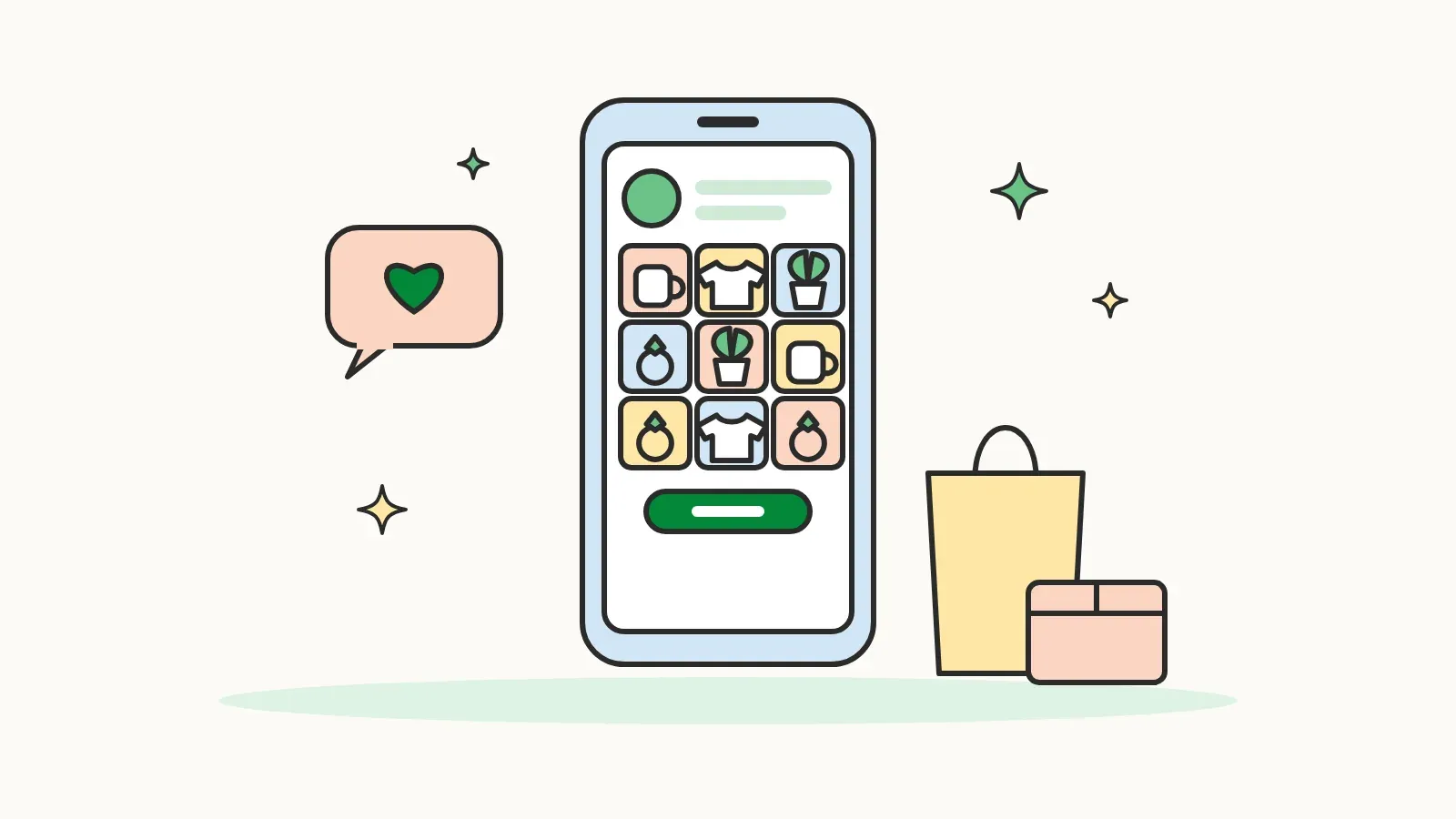
Selling on Instagram means using your profile to show products and get people to buy them. Posts, Reels, and Stories do the showing. Customers then order by sending you a message, tapping a product tag, or tapping the link in your bio.
It works for almost any kind of seller:
- A home baker taking cake orders for the weekend
- A clothing boutique launching a new collection
- A jewelry maker selling one-of-a-kind pieces
- A wholesale supplier showing new stock to shop owners
Showing products is the easy part. Taking orders is where most sellers get stuck.
How to Sell on Instagram, Step by Step
1. Switch to a professional account
In your Instagram settings, switch to a professional account and choose Business. It's free, and it adds contact buttons, insights on what your followers like, and shopping features where they're available.
2. Set up a profile that sells
Use your logo or a clear photo, a name people would search for, and a bio that says what you sell and where you deliver. For example: "Handmade soy candles. Delivery across the country. Order below." Then add one link for ordering.
3. Start with a few products
Start with the products people already ask about and the ones you can restock easily. Just starting out? Test a few items before you buy stock in bulk.
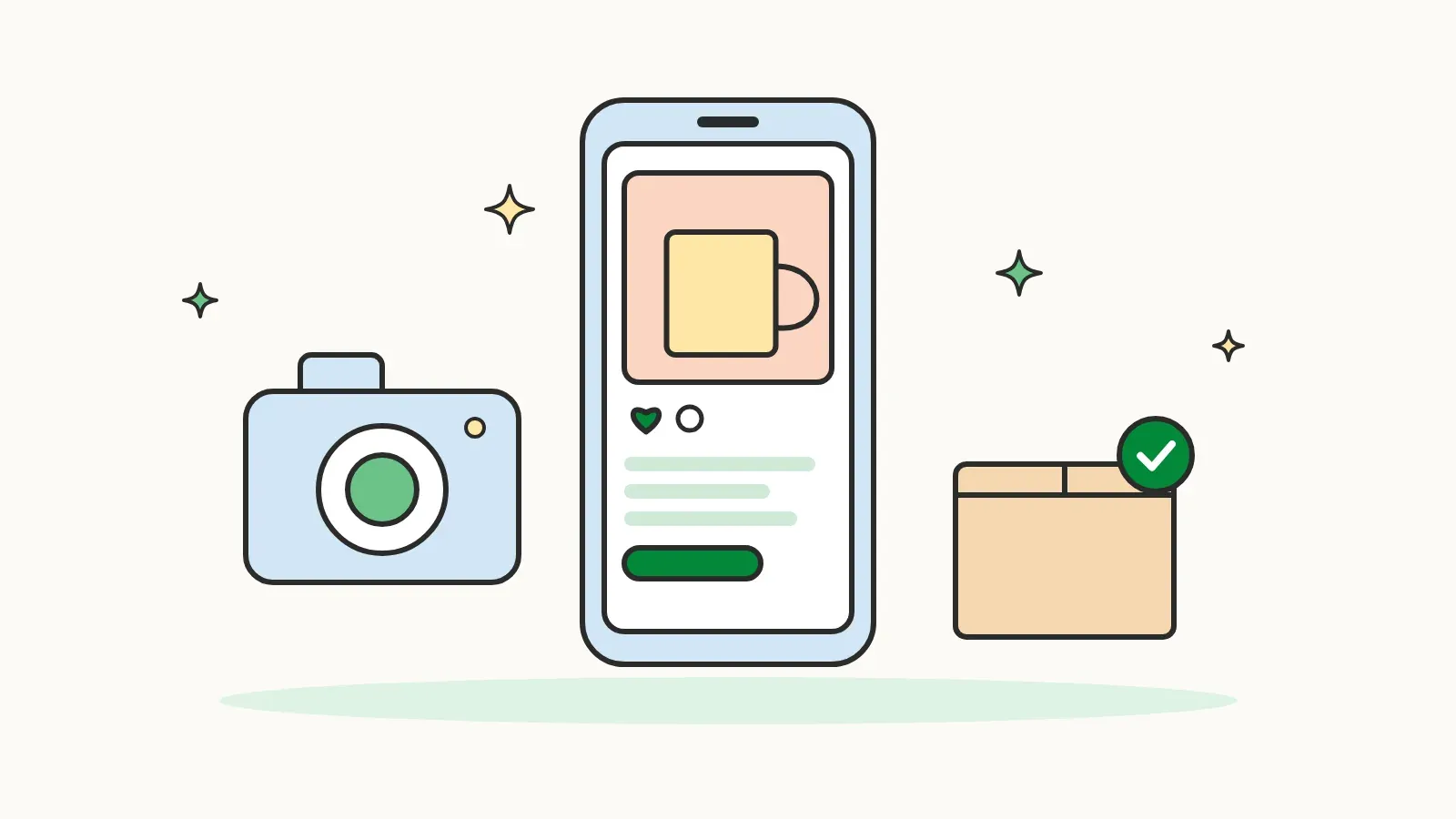
4. Take photos that show the details
Shoot in daylight on a plain background. Show the product from a few angles, in use, and next to something familiar for size. Short Reels work well for anything that moves, fits, or sparkles.
5. Write captions that answer the first questions
Answer what people would otherwise ask: the price, sizes or colors, where you deliver, and how to order. Lots of "price?" comments usually means the caption left something out.
For example:
Handmade soy candle: $15
Available in lavender and vanilla.
Delivery nationwide.
To order, DM us "CANDLE" or use the shop link in our bio.
6. Post regularly and use Stories
Pick a schedule you can keep. Use Stories for new arrivals and restocks, and save the best ones to Highlights such as "New in", "Reviews", and "How to order".
7. Make ordering easy
Pick one way to order and say it the same way everywhere. If you take orders in DMs, follow the same steps every time:
- The customer tells you what they want, with the size or color
- You confirm it's in stock, the total, and the delivery or pickup details
- You send payment instructions, such as a payment link or bank details
- Once the payment arrives, you confirm the order and say when it will ship
That works for your first orders. When DMs get busy, a single store link in your bio is the next step: followers tap it, choose what they want, and place the order themselves.
If you're not ready for a store yet, a tool like OrdersApp can be a step in between. You keep taking orders in DMs, and it collects them from your chats into one list.
8. Reply fast and deliver what you promised
Reply quickly, even if it's just to say when you'll ship. Pack with care, share tracking when you can, and ask happy customers for a photo you can repost with their permission.
DMs, Instagram Shopping, or Your Own Store?

There are three main ways customers can order from you. Many sellers start with the first and add the others as orders grow.
| Option | How it works | Good for |
|---|---|---|
| DMs only | Customers message you, and you agree on price, payment, and delivery in the chat | Testing your first products, and staying in chat a little longer with a tool like OrdersApp to track orders |
| Instagram Shopping | You tag products in posts so people can tap to see details, then buy on your website | Brands selling physical products, with a catalog and a website, where the feature is available |
| A store link in your bio | One link opens your full catalog, and customers place the order themselves | Sellers with more orders than they can track in chats |
Instagram Shopping has its own rules. You need a professional account that meets Meta's commerce eligibility requirements, a product catalog in Commerce Manager, and a website where people complete the purchase. It only covers physical products and isn't available in every country, so check the current rules before you plan around it.
A store link also works outside Instagram: on WhatsApp, Facebook, a QR code, or a printed flyer.
If you sell wholesale, a store lets shop owners see your full range and order in bulk, instead of asking for a price list in DMs. See how to start an online wholesale store.
When Do You Need Your Own Store?

DMs are fine while orders are few. These are the signs you've outgrown them:
| Sign | What a store changes |
|---|---|
| You answer "price?" and "in stock?" all day | Prices, sizes, and stock are on every product page |
| Orders get lost between chats | Every order lands in one list with the customer's details |
| You sell items you no longer have | Stock goes down as items sell, and sold-out items show as out of stock |
| Your whole business lives on one app | You own a link you can share anywhere |
| Bigger buyers ask for a catalog | One link shows your full range, with minimum order quantities for wholesale |
A store doesn't replace Instagram. Instagram keeps bringing people in, and the store handles the ordering.
How to Set Up Instagram Selling in Storelink
Instead of answering every product question in DMs, you can give customers one link to browse your products, check prices, and place orders. Storelink is a no-code online store builder that runs on Google Sheets. Here's how to set it up.
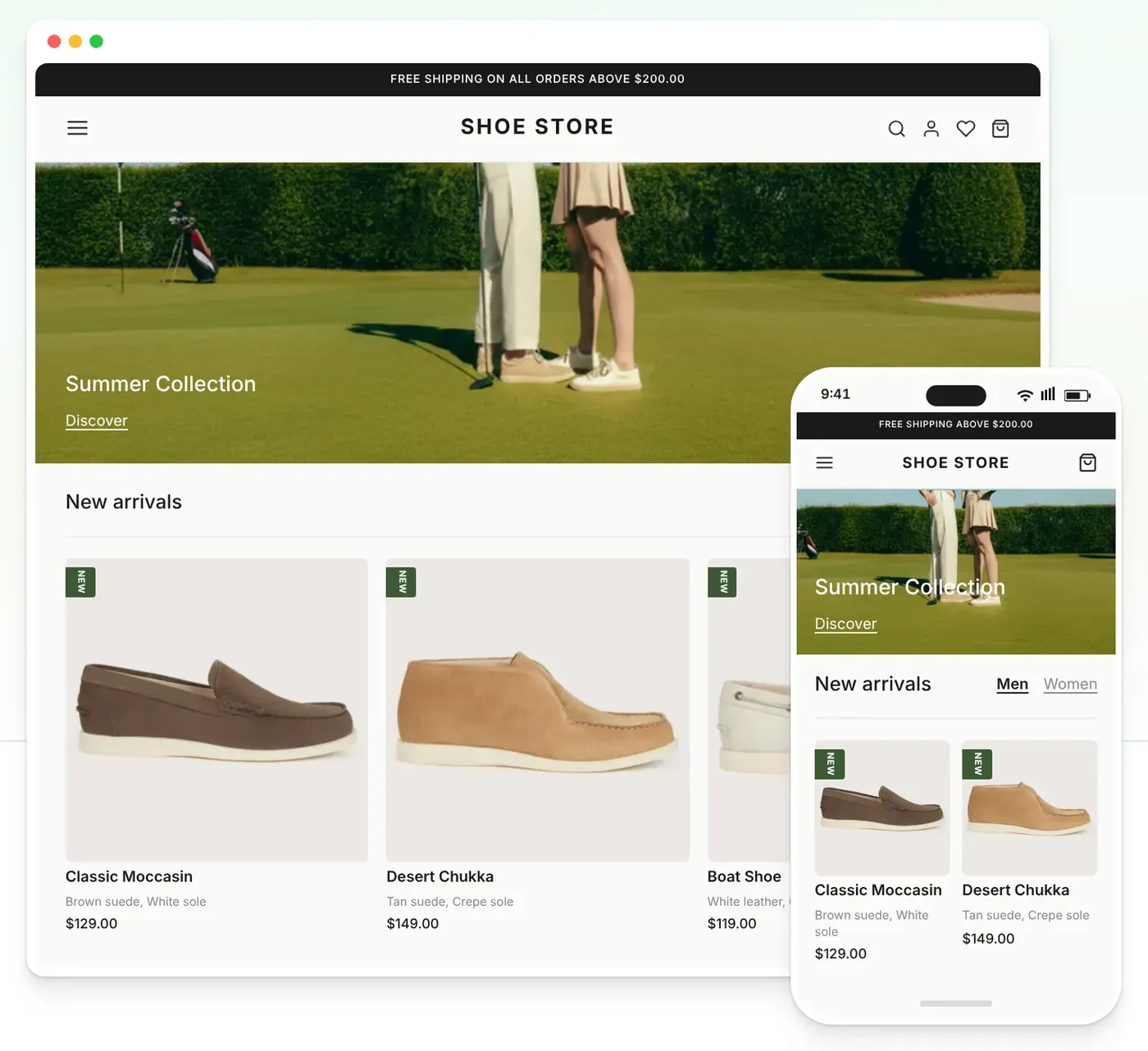
Create your store
- Sign up, describe what you sell, and click Let's start.
- Choose your product type. Most Instagram sellers pick Physical products. If you sell in bulk, turn on Are you a wholesale seller?
- Enter your store name and currency, then click Next.
- Add your first products with a name, price, category, and photo, using + Add product for more. Not ready yet? Click Use sample products to finish setup, then swap in your own products later in Google Sheets, from Products > Manage > Open Product Sheet in your dashboard.
- Turn on Pickup, Delivery, or both, then choose your payment methods.
- Choose where new orders should reach you: WhatsApp, Email, Google Sheet, or a mix.
Each product is a row in your Product Sheet, and changes you make there show up in your store automatically. You can update prices and stock later in Google Sheets or under Products in your dashboard. Want to see each step with screenshots? Follow the store setup guide in the Help Center.
Get orders on WhatsApp
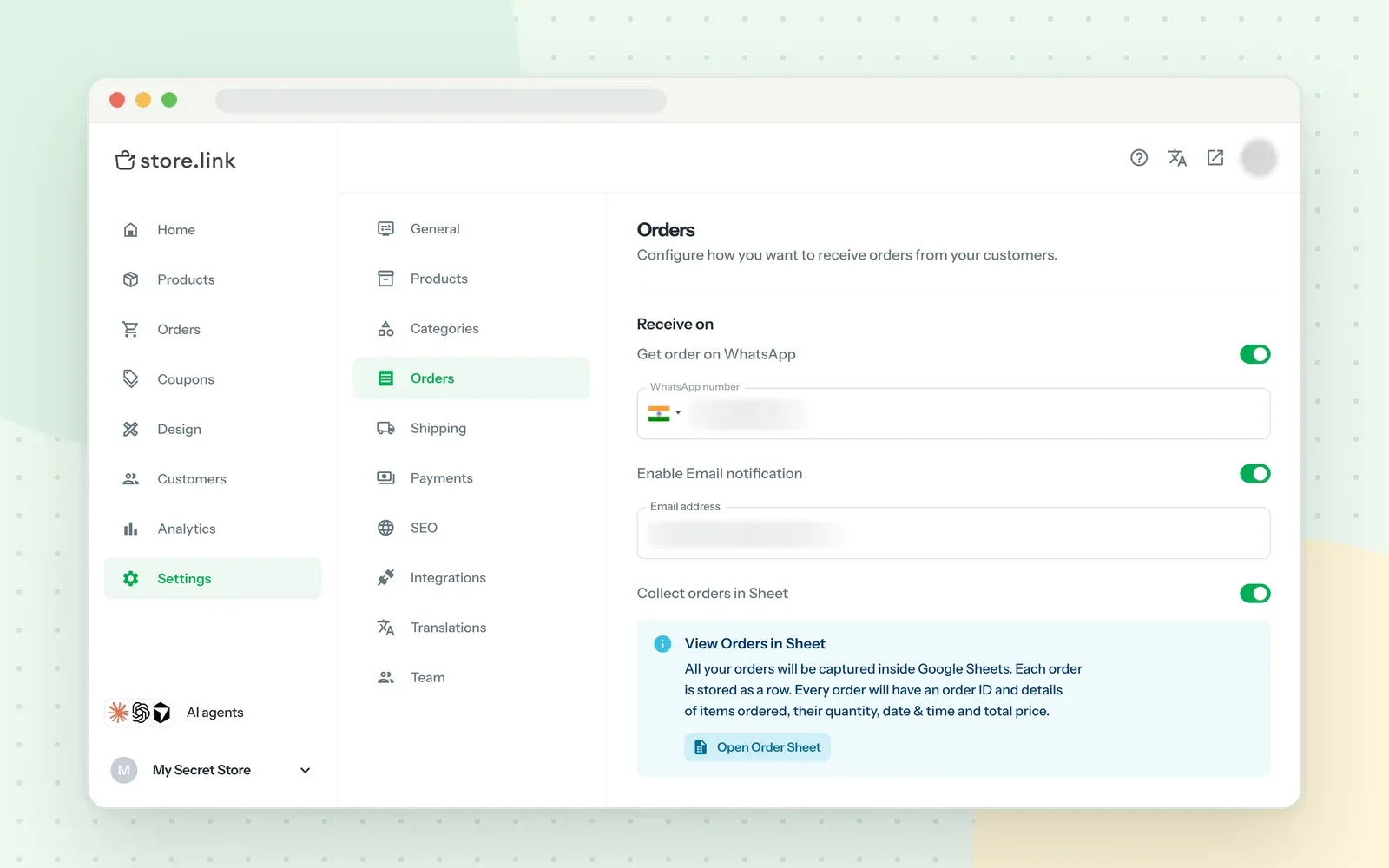
Go to Settings > Orders, turn on Get order on WhatsApp, and add your WhatsApp number. The cart button then says Place order on WhatsApp instead of Checkout.
Customers still check out in your store as usual. When they tap Place order on WhatsApp, WhatsApp opens with their order ready to send. Once they send it, the order reaches your WhatsApp from their own number, with the full details, so you can confirm it and keep chatting in the same thread. If a customer doesn't use WhatsApp, the order is still saved in your Order Sheet.
Add your store link to your Instagram bio
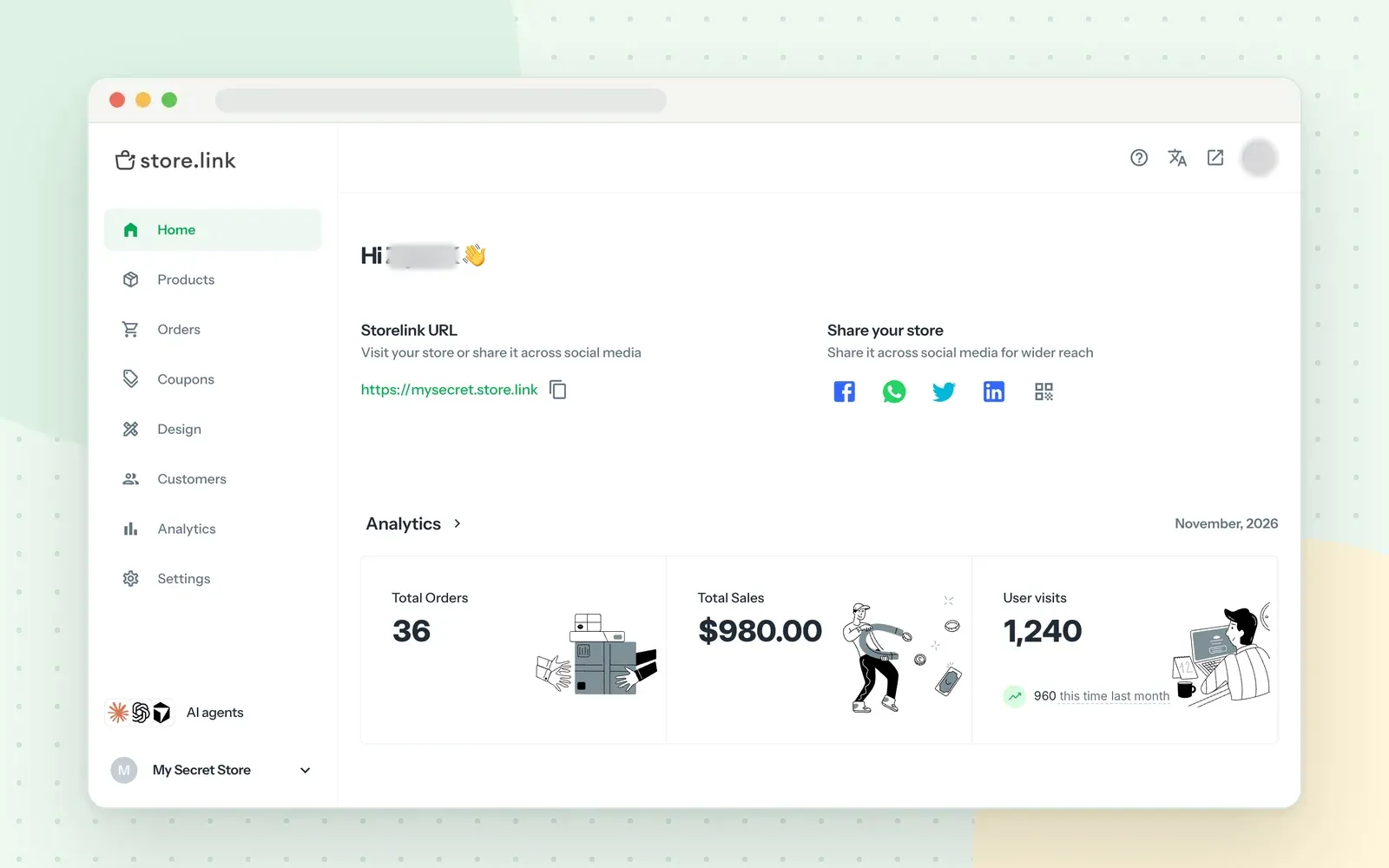
- On the Home page of your dashboard, copy your link under Storelink URL.
- In Instagram, tap Edit profile, then Links, then Add external link.
- Paste your store link, add a title like "Shop" or "Order here", and save.
To put your brand name in the link, go to Settings > General, click Edit under Domain, and change the Subdomain (paid plans).
Share your store beyond your bio
On the Home page, under Share your store, click the QR code icon and then Download. Print it on packaging or thank-you cards so repeat buyers can order without looking for your profile.
Keep track of orders
Every order shows up under Orders in your dashboard and in your Order Sheet. Click Ship Order on a pending order to mark it Shipped, and Storelink emails your customer to let them know (as long as your checkout asks for their email). To let customers check their order status themselves, turn on Order tracking under Settings > Orders.
Closing Thoughts
Selling on Instagram starts with good photos, clear captions, and quick replies. It keeps working when ordering is as easy as scrolling.
Start with DMs while you test. When the chats pile up, put a store link in your bio. Storelink lets you build one from a Google Sheet with no code, so your followers can order in a few taps.
FAQs
Can I sell on Instagram without a website?
Yes. Many sellers start with DMs. A store link in your bio makes it easier for customers to see prices and order without waiting for a reply.
Do I need a business account to sell on Instagram?
You can sell from a personal account, but a professional account adds contact buttons, insights, and shopping features where they're available. Switching is free in your Instagram settings.
How do customers pay when I sell on Instagram?
With DMs, you usually share a payment link or bank details and check each payment by hand. With a store, it depends on the payment methods you turn on: customers can pay online at checkout through Stripe, PayPal, Square, or Razorpay (India only). Payment links and options like bank transfer or cash on delivery are paid outside the store, so you confirm those payments yourself.
Can I manage Instagram DM orders without a store?
Yes. Many sellers keep taking orders in DMs for a while. A tool like OrdersApp can pull order details from your Instagram chats into one list, which helps in the stretch between your first DM orders and your own store. When you want customers to see prices and order on their own, a store link in your bio is the next step.
How do I add a shop link to my Instagram bio?
Tap Edit profile on your profile, then Links and Add external link. Paste your store link, add a short title like "Shop", and save.